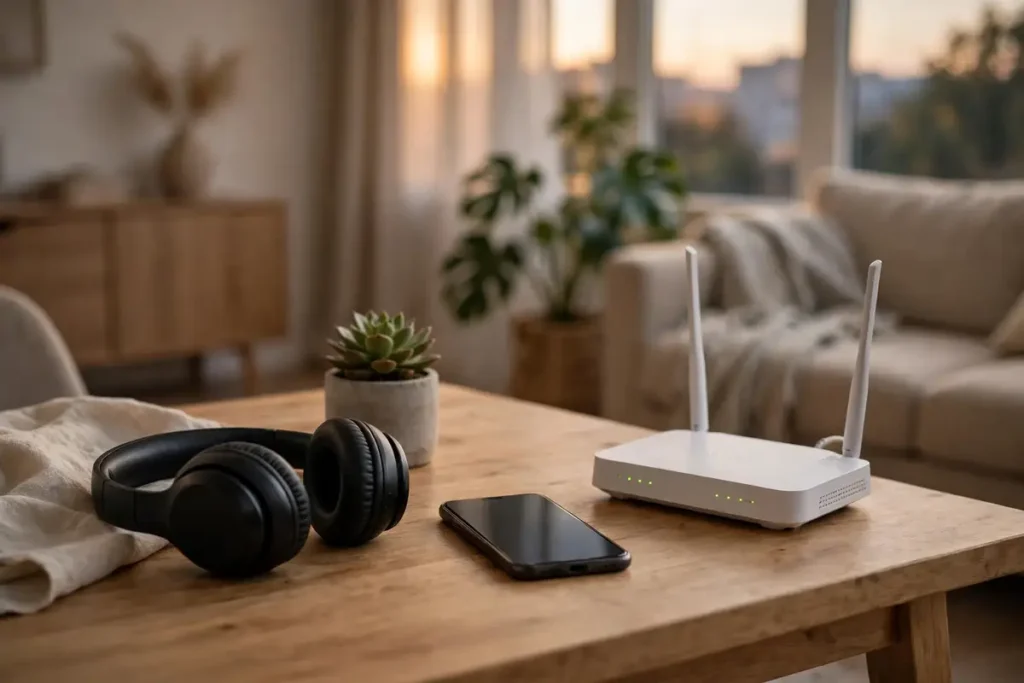
Bluetooth headphones cut out for a short list of reasons, and almost none of them mean the headphones are broken. The audio travels as radio in the crowded 2.4GHz band, the same airspace your Wi-Fi router, your neighbour’s router, the microwave and a dozen other gadgets all share. Anything that weakens that radio link, or anything that makes your phone or your headphones renegotiate it mid-song, shows up in your ears as a stutter, a gap or a full dropout. This guide names the causes in plain terms, then gives you the fixes in the order worth trying them: quickest first, deepest last.
Cause 1: the 2.4GHz band is crowded
Bluetooth hops between channels in the 2.4GHz band to dodge interference, and most of the time that works. It struggles in places where the band is saturated: apartment blocks with a router in every unit, offices, gyms with rows of wireless kit, and kitchens, where a running microwave leaks energy into the same band. The symptom is location-specific cut-outs. The headphones behave at your desk and stutter by the kitchen counter, or they are fine at home and hopeless in one corner of the office. If the dropouts follow places rather than times, this is your cause.
Cause 2: distance, walls and your own body
The headline range figures for Bluetooth assume open air. Real rooms are not open air. Brick and concrete walls absorb the signal, metal shelves and appliances reflect and scatter it, and a phone in a back pocket has to push its signal through your body, which is mostly water and blocks 2.4GHz well. Two rooms away is already a hard ask for many pairs. The symptom is predictable: audio breaks up as you walk away from the phone, gets worse when you turn your back, and recovers when you come back into the room. Nothing is faulty. The link is simply running out of signal.
Cause 3: multipoint devices fighting over you
Multipoint lets headphones hold two connections at once, typically a phone and a laptop, and it is genuinely useful right up until both devices want attention. A notification chime on the laptop, a video starting in a background tab, or the phone deciding to reclaim audio can each yank the stream across, and some pairs stutter or drop a channel while they switch. Our explainer on what Bluetooth multipoint is covers how the handover is supposed to work. The symptom to recognise: cut-outs that coincide with something happening on the second device, even something silent on screen.
Cause 4: codec renegotiation and mismatched expectations
When a connection starts, phone and headphones agree on a codec, the format the audio travels in. Most pairs settle once and stay settled. Some combinations renegotiate when conditions change, dropping to a more robust setting or switching entirely, and you hear that switch as a gap or a brief quality dip. High-bitrate codecs also ask more of the link: LDAC at its highest setting is the first thing to stutter in a crowded radio environment, because it pushes more data through the same contested airspace. The Bluetooth audio codecs explainer walks through the trade-offs codec by codec.
Cause 5: firmware, phone software and battery savers
Two software traps cause more cut-outs than most hardware faults. The first is stale firmware: headphone makers ship connection fixes in app updates, and a pair that has never been updated may carry a pairing bug that was fixed long ago. The second is your phone’s battery management. Aggressive battery savers throttle background apps and radios, and a music app being put to sleep mid-playback sounds exactly like a Bluetooth fault. Low battery on the headphones themselves can also thin the link, because some models reduce radio power as the charge runs down.
The fixes, in the order to try them
Fix 1: move the phone, not the headphones
Put the phone in a front pocket, on the desk in front of you, or in the same room as you. This takes ten seconds and resolves the distance, wall and body-blocking causes outright. If the cut-outs stop, you have your answer and your habit to change.
Fix 2: clear the air around the link
Move away from the running microwave. If your router offers a 5GHz network, put your other devices on it so the 2.4GHz band carries less traffic. In a saturated office or flat, simply shifting a metre or two away from the router itself often calms a stuttering pair.
Fix 3: disconnect the second multipoint device
Turn off Bluetooth on the laptop, or disconnect the headphones from it in its settings, and listen for ten minutes. If the audio is suddenly solid, multipoint handover was the fault. You can then decide whether the convenience is worth the interruptions, or reconnect the second device only when you need it.
Fix 4: lower the codec’s workload
If your headphones app or your phone’s developer settings let you choose the codec or its quality, step LDAC down from its highest bitrate or switch to AAC or SBC for a session. A stable ordinary codec sounds better than a stuttering premium one, and if the stutter vanishes you have confirmed a link-quality problem rather than a broken pair.
Fix 5: update, exempt, then re-pair
Open the headphone maker’s app and install any firmware update. In your phone settings, exempt your music app from battery optimisation. Then do the full reset of the relationship: forget the headphones in Bluetooth settings, restart both devices, and pair again from scratch. A fresh pairing clears corrupted connection records that no amount of toggling fixes.
Fix 6: test with a second phone or computer
Pair the headphones with a different source and listen in the same places. If they behave perfectly, your original phone is the problem, and its Bluetooth stack, case or battery settings are where to keep digging. If they cut out everywhere with every source, the headphones themselves are the remaining suspect.
When the headphones are the problem
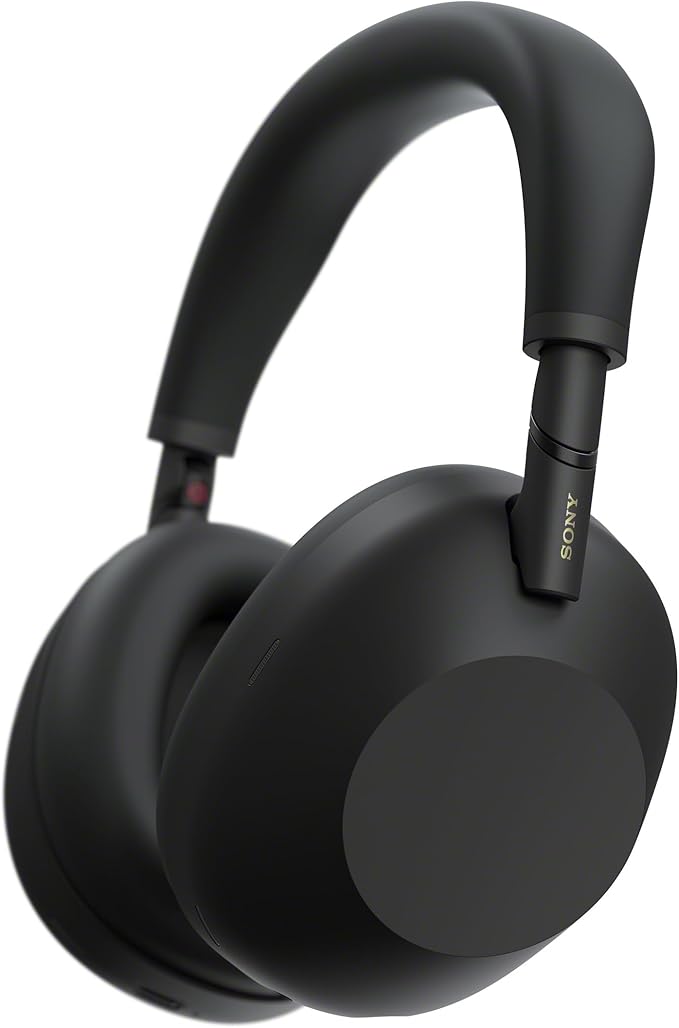
A pair that drops audio across several phones, in open rooms, fully charged and fully updated, has earned suspicion. Antenna design and radio quality vary, and they rarely appear on a spec sheet, so the practical test is the record of the models that hold links well. These three picks from our database pair modern radios with multipoint that behaves, and each carries the scores we published for it.

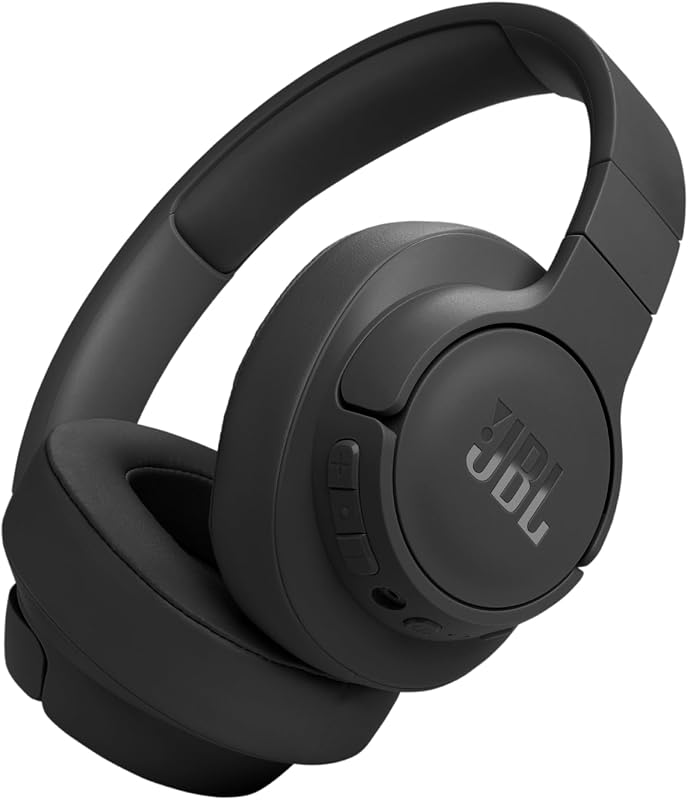
If a replacement is on the table, our best wireless headphones for work guide weights connection behaviour heavily, because calls punish a weak link faster than music does. And if your pair also refuses to talk to one specific app, the separate guide to Bluetooth headphones not working with Discord covers that app’s own settings layer.
Frequently asked questions
Why do my Bluetooth headphones cut out when I walk into another room?
Because walls, especially brick and concrete, absorb the 2.4GHz signal, and distance weakens what is left. The link then drops packets faster than the headphones can hide. Keep the phone in the same room, ideally with a clear path, and the cut-outs from this cause stop.
Why do headphones stutter near a microwave or router?
Microwaves leak energy into the same 2.4GHz band Bluetooth uses, and a busy router fills that band with traffic. Bluetooth hops channels to dodge interference, but a strong local source can overwhelm the hopping. Moving a metre or two away, or shifting other devices to a 5GHz network, usually settles it.
Can multipoint connection cause dropouts?
Yes. With two devices connected, a notification, a background video or the second device reclaiming audio can pull the stream across mid-playback, and some headphones stutter while switching. Disconnect the second device for a listening session: if the audio turns solid, multipoint handover was the cause.
Does a higher Bluetooth version stop cut-outs?
It helps at the margins. Newer versions manage crowded airspace and power better, and codecs like aptX Adaptive adjust bitrate instead of breaking. But no version repeals physics: walls, distance and a saturated band will still defeat a long link, which is why placement fixes come first in this guide.
My headphones cut out on every device. Are they broken?
Possibly. First update the firmware, charge fully and re-pair from scratch, because those three steps clear most software causes. If the pair still drops audio on two different sources in the same room, the radio or antenna is the likely fault and a warranty claim or replacement is the honest next step.

I am the founder of Sound Mavericks, where I provide the polite truth about audio equipment. I started this site because consumer electronics reviews are often too technical. Instead of using a silent lab, I test headphones, earbuds, and Bluetooth speakers in the real world – like on a noisy subway or in a busy coffee shop.
To stay independent, I buy my own review units (mostly from the United States) rather than accepting free gifts from brands. Once I finish testing a product, I sell it locally to our community. My goal is to help you understand sound quality, active noise cancellation (ANC), and battery life without the marketing hype.