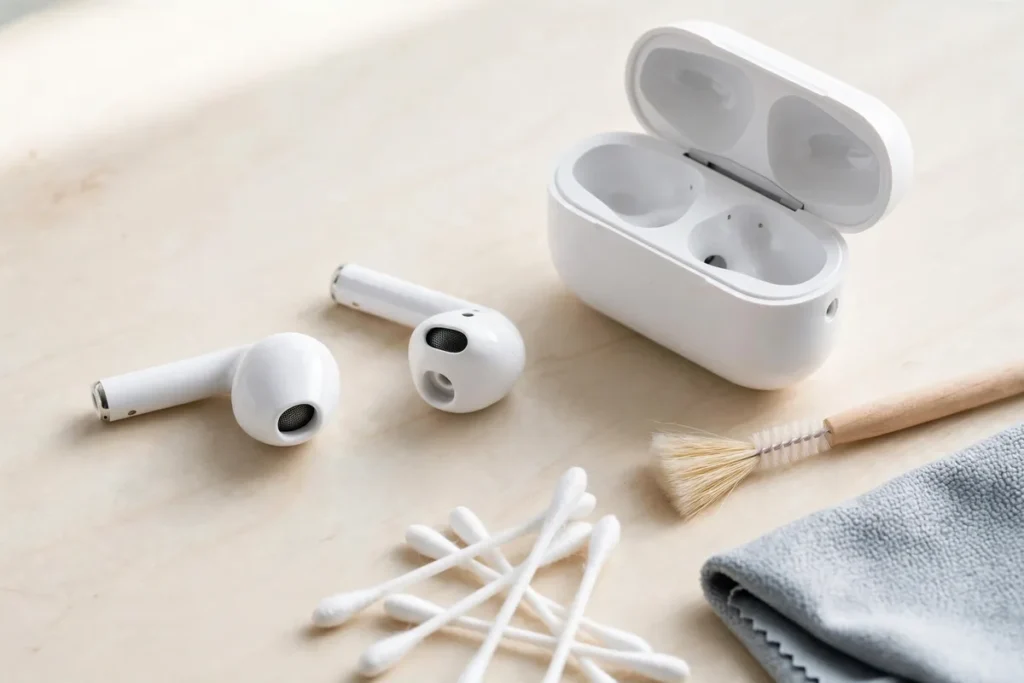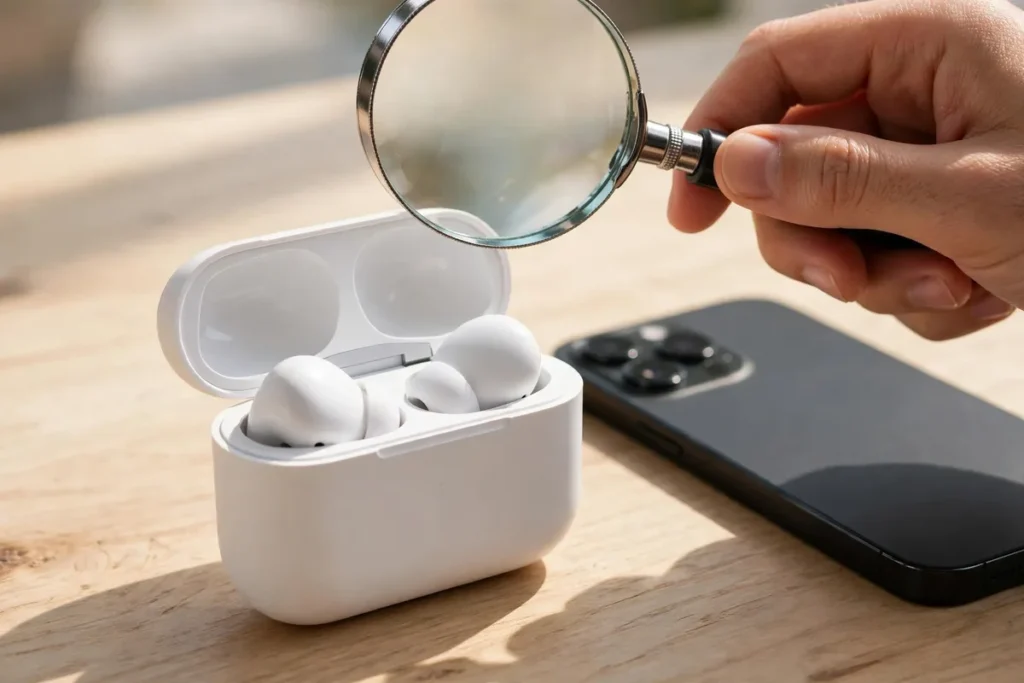
Learning how to tell if airpods are fake matters because the current clones copy the easy things well. The box, the pairing pop-up and even the serial sticker can all look right on a counterfeit pair. What clones still cannot copy is Apple’s software: genuine firmware, the model numbers Apple publishes, and registration in Find My. This guide runs the checks in the order that settles the question fastest: the alert Apple itself sends, then serial, firmware and fit, and what to do when a pair fails.
Start with the alert Apple itself sends
Pair the AirPods with an iPhone or iPad before you judge anything else. Apple Support’s page on the Cannot Verify AirPods alert says it appears when headphones “could not be verified as genuine AirPods and may not behave as expected,” and it gives you two choices: do not connect, or connect them as standard Bluetooth headphones. For a pair sold to you as genuine AirPods, the alert alone justifies a return, and Apple Support’s own advice is to contact the place of purchase. No alert is not proof of the opposite, though: better clones pass this screen, which is why the checks below matter. Run them while your return window is open.
Check 1: the serial number, in three places
A genuine set carries the same serial in three places, and checking only one is the mistake counterfeit sellers rely on. The first sits on the underside of the case lid. The second is on the box label. The third is the one your phone reports: connect the AirPods, open Settings, tap Bluetooth, tap the Info button next to their name, and read the serial in About. All three should match, character for character. A mismatch is disqualifying, whatever the seller says.
Then enter that serial on Apple’s coverage checker at checkcoverage.apple.com. An invalid serial, or a result naming a different model from the one in your hand, proves the pair is fake or the number was borrowed. A valid result proves much less. RefurbMe’s guide to fake AirPods makes this point bluntly: serials get copied from real retail boxes onto counterfeit ones, and Apple’s checker only confirms the number exists in its records, not that it belongs to your buds. Treat a pass as permission to keep checking, not as a verdict.
Check 2: firmware and model number
These two checks sit in the same screen and are the hardest for a clone to pass. In Settings, Bluetooth, the Info button, the About section lists the firmware version alongside the model and serial numbers. Genuine AirPods update automatically while they charge near a paired iPhone, iPad or Mac, so a real pair drifts toward the current version Apple publishes for that model. A pair showing no version, a blank field, or a version Apple has never issued has failed the strongest single test here. Being one version behind is normal. Being on a version that does not exist is not.
The model number does the matching work. On earbuds it is printed on the underside of each bud in small text, and it also appears in that same About section. Match it against Apple’s Identify your AirPods page, which lists the numbers by generation. The current ones worth memorising: AirPods Pro 3 are A3063, A3064 or A3065; AirPods Pro 2 with the USB-C case are A3047, A3048 or A3049; AirPods 4 with Active Noise Cancellation are A3055, A3056 or A3057. A number that appears nowhere in Apple’s list ends the conversation, and so does a number that belongs to a cheaper generation than the one advertised. That second case is common: a real but older bud, or a clone wearing an older model’s number, sold inside a newer model’s box.
Check 3: the features clones leave out
Software features take a minute to test. Open Find My and look under Devices: genuine AirPods register there as their own device, while clones never appear or show up as a nameless accessory. Check the Batteries widget next. A genuine pair reports three separate figures, for the left bud, right bud and case. Most counterfeits report one combined number, or a figure that sits at full. On Pro models, work the noise control beside a fan: a real system drops the low rumble audibly, while many clones carry the toggle and change almost nothing. The ear tip fit test is a further sign, because it depends on Apple’s own processing. Our guide to which AirPods to buy sets out what each current model should do, which makes a useful checklist if you are unsure what your pair is supposed to offer.
Check 4: fit, finish and the case in your hand
Physical checks come last because they are the easiest to copy. Still, three details hold up. The grille mesh on a genuine bud is recessed metal; cheaper clones print the pattern onto plastic, and you can feel it with a fingernail. The case hinge on a real pair is stiff and quiet and holds the lid where you leave it; clone hinges flop and rattle. And the lid snap feels decisive on a genuine case, vague on most copies. Fit matters too: a pair that will not seal on any tip size deserves suspicion. Use these signs as support for the software checks, never as a verdict alone. A pair that feels perfect and fails the firmware check is still a fake.
If the checks say fake, buy from a genuine listing instead
The reliable way to stop worrying about this is to buy through a listing you can return. These are the current genuine models, with our published scores, each linking to its verified Amazon listing.
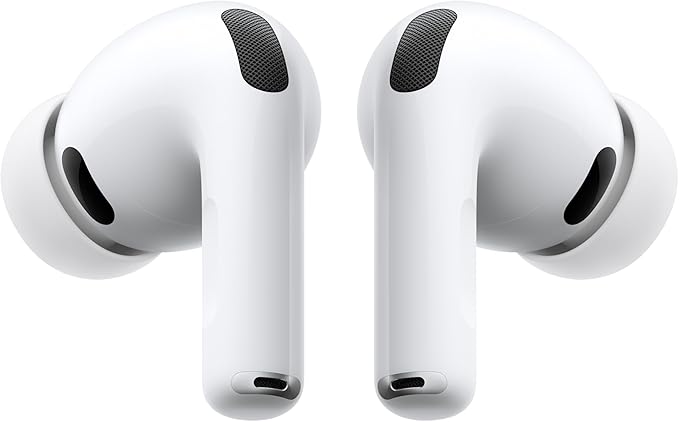


For the detail behind those scores, read our AirPods Pro 3 review and our head-to-head of the AirPods Pro 3 vs AirPods Pro 2, and browse the full current range in our best AirPods guide before you spend again.
What to do if you already bought a fake
Stop using the pair first: a counterfeit case and cells carry no safety certification you can check. Then go after the money promptly, while the claim period is open. File as item not as described, and attach evidence from the checks above rather than an opinion about the sound. A screenshot of an About section with no firmware version, or a coverage result naming a different model, gives a claims agent something concrete. Report the listing as well, and do not resell the pair on: the next buyer inherits the battery risk without the context. Keep the box until the claim closes, since its label carries one of the three serials you compared.
Frequently asked questions
Does a valid serial number prove AirPods are genuine?
No. It rules out one kind of fake, the kind with an invented number, but counterfeit makers copy serials from genuine boxes, so a valid result only proves the number exists in Apple’s records. It settles the question only when it fails, or when it returns a different model from the one in your hand. Always pair it with the firmware and model number checks.
What does the Cannot Verify AirPods alert mean?
Apple Support says the alert appears when headphones could not be verified as genuine AirPods and may not behave as expected. You can decline to connect, or connect them as standard Bluetooth headphones, but for a pair sold to you as genuine AirPods the alert is reason enough to contact the seller and start a return.
Where do I find the firmware version on AirPods?
Connect the AirPods to an iPhone or iPad, open Settings, tap Bluetooth, tap the Info button next to their name, and scroll to the About section, which shows the firmware version, model number and serial number together. Compare the version with the list Apple publishes for that model. A blank field, or a version Apple has never issued, is a strong sign of a fake.
Can fake AirPods work with Find My and noise cancelling?
Usually not properly. Genuine AirPods register in Find My as their own device and report separate battery figures for the left bud, right bud and case. Clones commonly miss Find My registration, show one combined battery number, and carry a noise cancelling toggle that changes little because there is no working system behind it. Test all three before the return window closes.
What should I do if my AirPods turn out to be fake?
Stop using them, because counterfeit batteries and charging cases carry no safety certification you can rely on. Then claim through the marketplace or your card provider as item not as described, and attach evidence from the checks: a screenshot of the missing or invented firmware version, or a model number that appears nowhere in Apple’s published list carries more weight than saying they sounded wrong.

I am the founder of Sound Mavericks, where I provide the polite truth about audio equipment. I started this site because consumer electronics reviews are often too technical. Instead of using a silent lab, I test headphones, earbuds, and Bluetooth speakers in the real world – like on a noisy subway or in a busy coffee shop.
To stay independent, I buy my own review units (mostly from the United States) rather than accepting free gifts from brands. Once I finish testing a product, I sell it locally to our community. My goal is to help you understand sound quality, active noise cancellation (ANC), and battery life without the marketing hype.