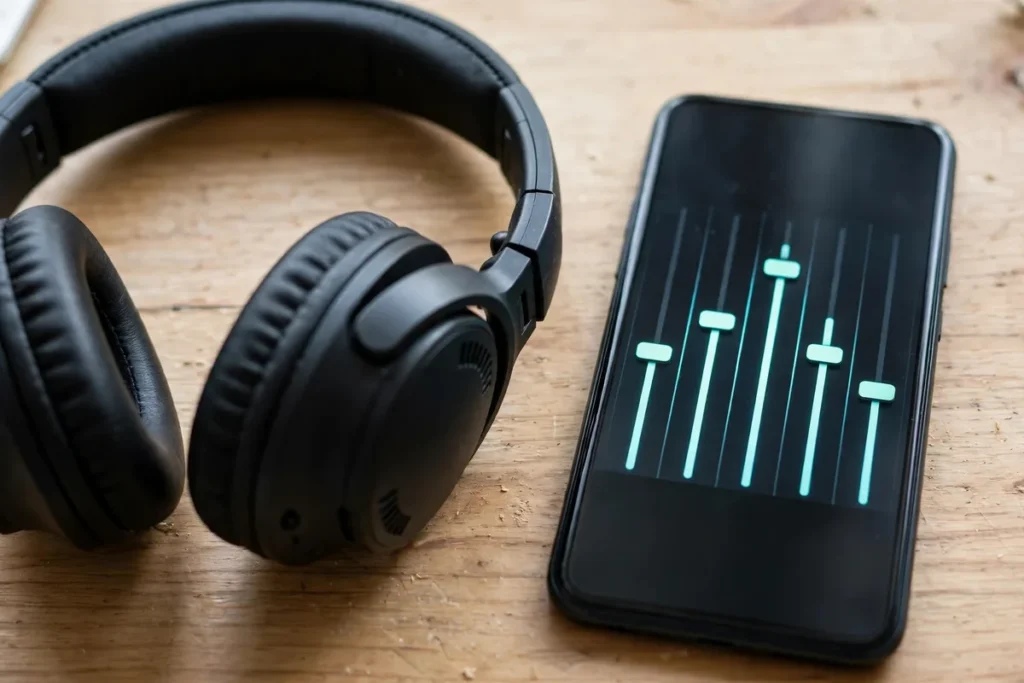
The safest way to learn how to eq your headphones is to change less than you want to. Most headphones need one or two small corrections, not a redrawn curve, and the listeners who end up with worse sound are usually the ones who moved five sliders at once and could no longer tell which move helped. This guide teaches a conservative method you can use in any app: start flat, name the one thing that bothers you, cut it by a small amount, and keep the total volume under control while you work.
What EQ can fix, and what it cannot
An equalizer changes how loud each band of frequencies is relative to the others. That makes it good at balance problems: bass that swamps vocals, a treble peak that makes cymbals sting, a midrange that sounds boxed in. It cannot add detail a driver does not reproduce, fix a leaking fit, or repair distortion in a recording. Fit comes first: a sealed ear tip or a properly seated earcup changes the bass more than the lowest slider does, so reseat the headphones and try a different tip size before you conclude the tuning is wrong. The same setting that flatters one model will push another the wrong way, which is why copying a stranger’s full curve rarely works, while the method below works on anything. Our overview of getting the best sound quality from headphones covers the fit and source checks that should happen before EQ enters the picture.
Before you touch a slider
Set up the test properly, because most bad EQ is bad testing. Choose one short passage you know well, under a minute, with a voice, a bass line and some treble detail. Set every band to zero, turn off presets, bass boost modes and spatial processing, and set a comfortable volume, then leave that volume alone for the whole session. Changing volume while you EQ fools you, because louder almost always sounds better in a quick comparison. Wear the headphones the way you normally do, glasses and all, since anything that breaks the seal changes the result. Finally, find the EQ bypass or flat preset in your app and learn to reach it in one tap: the method depends on comparing before and after at the same volume, quickly.
The method, step by step
Step 1: name one problem in plain words. Not “the tuning is off,” but “voices sound muffled” or “the top end stings on loud choruses.” One problem, one band. If you cannot name a problem after a few tracks at flat, your headphones may not need EQ at all.
Step 2: pick the band nearest the problem. Boomy, swollen bass lives in the low bands, roughly the first two sliders on most apps. Boxed-in, honky voices sit in the low midrange. Muffled or buried vocals sit in the midrange and presence region. Sting and hiss on cymbals and s sounds sit in the treble bands. The table below gives the plain-language map.
Step 3: cut that band by 2 dB. Cutting is the default move. If the bass booms, lower the low band rather than raising everything else, because a cut fixes the balance without raising the total level. Play your passage again. If the problem shrank but is still there, try 3 or 4 dB. If it vanished and took the life with it, come back to 1 dB.
Step 4: bypass, compare, and stop for the day. Switch between your setting and flat three or four times on the same passage. Keep the change only if you prefer it every time. Then stop, and write down what you changed.
Step 5: add a second band only on a later listen. A second problem gets the same treatment, one band, a small cut, a bypass test. Two or three careful bands are a finished EQ for most headphones. A curve with every slider moved is usually a sign the session ran too long.
Reading the bands in plain language
| Region | What you hear there | Typical small fix |
|---|---|---|
| Low bass | Rumble and weight; boom when there is too much | Cut 2 to 3 dB if tracks sound swollen |
| Low midrange | Warmth and body; boxiness when it builds up | Cut 1 to 2 dB if voices sound trapped |
| Midrange and presence | Vocals, guitars, clarity; shout when overdone | Cut 1 to 2 dB for shout, or leave alone |
| Treble | Cymbals, s sounds, air; sting when there is a peak | Cut 1 to 3 dB where it stings, no lower |
Treat the numbers as starting points, not prescriptions. App bands sit at slightly different frequencies from model to model, so choose the slider nearest the problem. Gamers chasing footsteps will find the same one-band logic applied to a different target in our best headphone EQ settings for gaming, and bass-first listeners can compare this method with the approach in our best bass settings for an equalizer guide.
The volume rule that keeps EQ safe
Boosts raise the total signal, and a signal pushed past the top of its digital range clips, which you hear as harsh distortion on loud passages. The AutoEq project, which publishes measurement-based EQ profiles for thousands of headphones, handles this with a negative preamp: its profiles lower the overall level before any boosts are applied, specifically to prevent digital clipping. Copy that habit even when your app has no control labelled preamp. If your biggest boost is 3 dB, lower the overall output by about 3 dB inside the app if it lets you, then turn the device volume up to your normal level. Better still, build your curve mostly from cuts, which need no compensation. And reset to your normal volume before every bypass test, because EQ sessions invite slow volume creep.
Three headphones whose apps make this easy
The method above needs nothing more than a custom EQ in the headphone’s own app, but the apps differ in how much control they hand you. SoundGuys’ comparison work notes the Sony WH-1000XM6 carries a 10-band custom equalizer in the Sony Sound Connect app, enough to isolate a single problem region. Bose takes the opposite approach on the QuietComfort Ultra Headphones: a three-band EQ of bass, mid and treble in the Bose app, which forces broad, gentle moves and suits this method’s small-cuts habit by design. Soundcore sits between them, with an 8-band custom EQ in its app on the Space Q45.
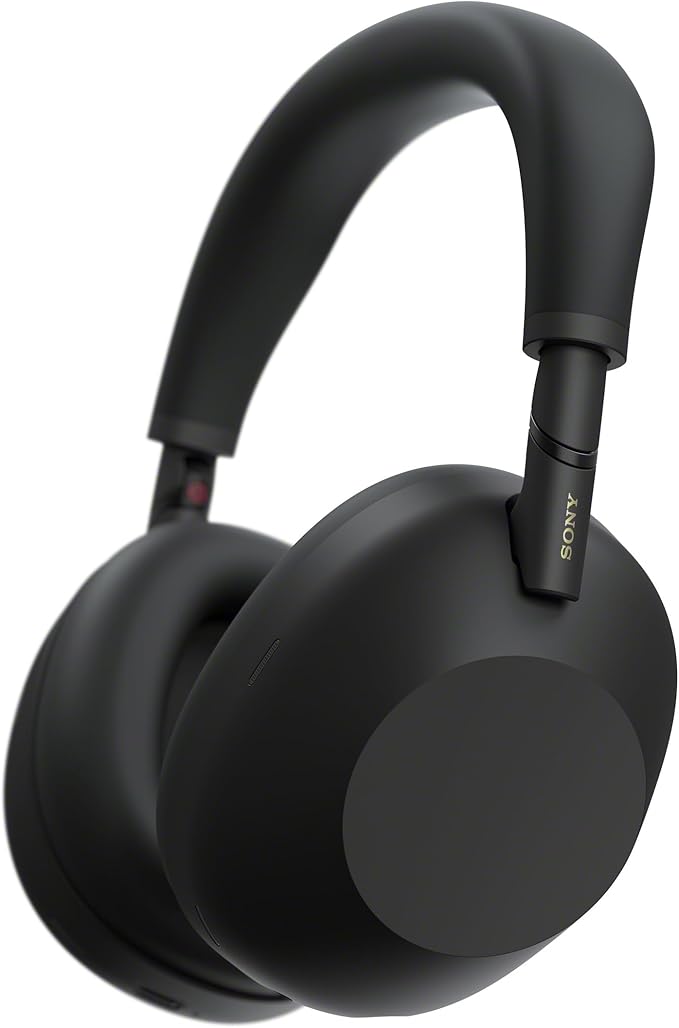


Our Sony WH-1000XM6 review and our Bose QuietComfort Ultra Headphones (2nd Gen) review score the sound you start from on each.
Frequently asked questions
Is it better to cut or boost with EQ?
Cut, in most cases. Lowering the region that is too strong brings the rest forward without raising the total signal level, so you avoid the clipping and distortion that large boosts can cause. If you do boost, keep it small, and lower the overall level or preamp by about the same amount as your biggest boost, then turn the headphone volume back up to your normal listening level.
How many decibels should I change at a time?
Start with 1 to 2 dB, listen, and only then decide whether the change needs to be 3 dB. Most useful headphone corrections land between 1 and 4 dB per band. If a band needs a very large move to sound right, check the fit and the seal first, because a leaking ear tip or a poorly seated earcup changes the bass more than any slider should have to fix.
Can EQ damage my headphones?
Not at sensible settings and normal listening volumes. The AutoEq project notes that its corrections are typically small adjustments at specific frequencies, well within a driver’s operating range, and that the theoretical risk comes from extreme boosts at maximum volume. The realistic harm from bad EQ is distortion that makes music sound worse and listening levels that creep up, not broken hardware.
Why does my EQ sound worse the next day?
Because ears adapt. A curve tuned late in a long, loud session is tuned for tired ears, and it often sounds harsh or dull the next morning. Judge a new setting in a short session at your normal volume, save it alongside the flat setting rather than over it, and live with it for a day before making the next change. One band at a time, on different days if needed, beats a full redraw in one sitting.
Should I use a preset or build my own EQ?
Use a preset as a hearing test, not as the answer. Play two or three presets over the same short passage and notice what each one changes: if the vocal preset sounds clearer, the useful information is that your headphones bury the midrange a little. Then build your own small cut or lift in that region from flat, which usually lands closer to your taste than any preset’s larger, fixed moves.

I am the founder of Sound Mavericks, where I provide the polite truth about audio equipment. I started this site because consumer electronics reviews are often too technical. Instead of using a silent lab, I test headphones, earbuds, and Bluetooth speakers in the real world – like on a noisy subway or in a busy coffee shop.
To stay independent, I buy my own review units (mostly from the United States) rather than accepting free gifts from brands. Once I finish testing a product, I sell it locally to our community. My goal is to help you understand sound quality, active noise cancellation (ANC), and battery life without the marketing hype.