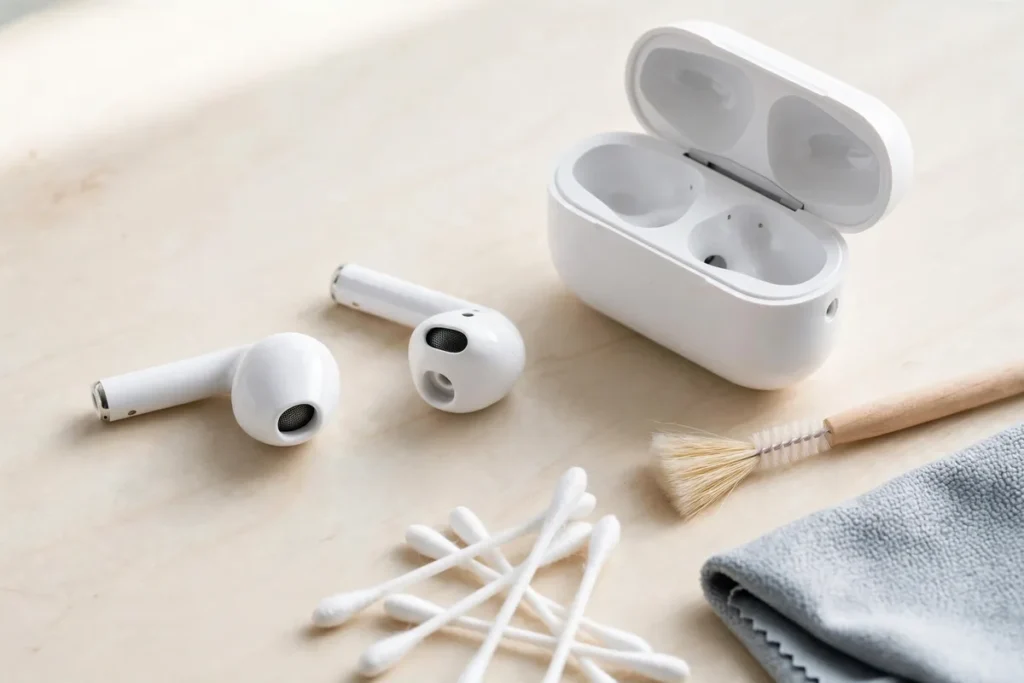
Knowing how to clean airpods case properly is mostly about knowing what to keep away from it. The case is a battery, a circuit board and a set of small metal contacts wearing a white plastic coat, so water, household sprays and sharp tools are all risks, while a dry cloth, a soft brush and a little patience do nearly all the work. This guide cleans the case in a safe order: loose dirt first, then the wells, hinge and mesh, then the contacts and the charging port, with drying time at the end.
What you need, and what to leave in the cupboard
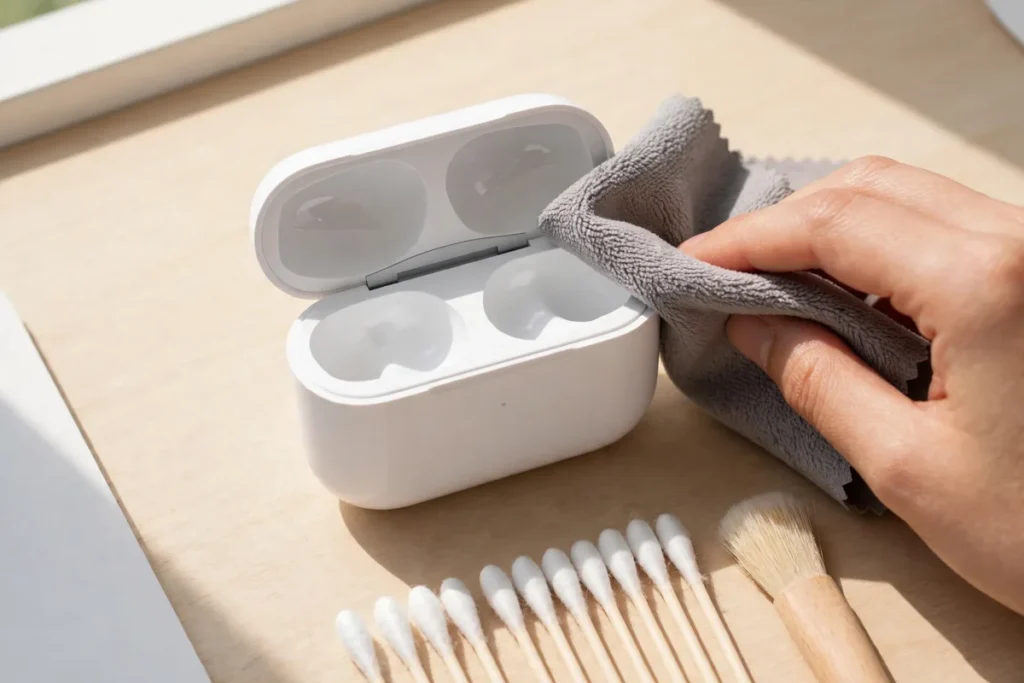
Gather a soft, lint free cloth, a dry cotton swab or two, a soft bristled brush such as a clean, dry toothbrush, and a wooden toothpick for the charging port. Optional, for stubborn grime on the outside only: a cloth slightly dampened with 70 percent isopropyl alcohol, or a 70 percent isopropyl or 75 percent ethyl alcohol wipe. Apple’s own cleaning guidance, as summarised by Beebom’s walkthrough of it, allows those alcohol wipes on exterior surfaces. The same guidance rules out the rest of the cleaning cupboard: no bleach, no hydrogen peroxide, no household sprays, no abrasive pads, and never run the case under water or let liquid into the charging contacts or other openings. Take the AirPods out before you start, and unplug the case.
Step 1: dry clean the outside and the lid
Step 1: wipe the whole exterior with the dry cloth, including the bottom around the charging port. Step 2: open the lid and wipe the inside of the lid and the flat surfaces around the wells. Step 3: for marks that survive a dry wipe, use the cloth slightly dampened with isopropyl alcohol on the exterior, then buff dry with the clean side of the cloth. Work dry first and damp second, because most case dirt is pocket lint and skin oil that a dry cloth lifts without any liquid near the seams. Check the status light window and the pairing button as you go; grime rings around both are normal and wipe off.
Step 2: clean the wells and the hinge
The wells where the buds sit collect the worst of it: earwax dust, lint and skin oil settle at the bottom, exactly where the charging contacts live. Use a dry cotton swab with a rolling motion to lift debris out of each well rather than pushing it down. The hinge is the other trap. Open and close the lid slowly while brushing along the hinge line with the soft brush, and debris will fall out in small grey lines; tap the case gently, lid open and facing down, over a bin to clear what you loosened. Do not blow into the case with your mouth, which adds moisture, and skip compressed air, which drives grit deeper into the hinge and the mesh.
Step 3: the speaker mesh and the pairing speaker
Current Pro cases carry a speaker on the bottom edge, used for Find My pings and charging sounds, covered by a fine mesh. Treat that mesh the way you treat the mesh on the buds: dry brush only, with light strokes across it, never along it with pressure, and no liquids. A clogged case speaker sounds muffled rather than failing outright, so if your case’s pings have gone quiet, this is the first place to look. The same dry rule applies to the small microphone opening. If debris is packed into the mesh, a gentle pass with a clean swab is the limit; digging at mesh with a pin tears it and lets more dirt in afterwards.
Step 4: contacts and the charging port, the careful part
Charging problems are why most people end up cleaning a case at all. MacRumors’ troubleshooting guide for an AirPod that will not charge names dirty contacts as the most common cause: grime on the stem contacts or the pins inside the wells interrupts the connection. Clean the well contacts with a dry swab and a light touch; the pins are small and springy and bend under force. Never put liquid, alcohol included, on the contacts, and never use anything metal inside the wells. For the USB-C port on the bottom, tease out compacted lint with the wooden toothpick using almost no pressure, working around the edges rather than levering against the central tongue. If a bud still charges intermittently after a careful clean, the fault is likely wear or battery age, and our guide to how to clean earbuds covers the bud side of the same routine.
Cases this routine fits, including the neighbours
Everything above applies to every AirPods case, and the same rules travel well: Samsung’s Galaxy Buds cases, covered in our Galaxy Buds3 Pro review, take the same dry first, contacts dry, no household cleaners treatment. Our reviews of the AirPods Pro 3 and the AirPods 5 show the two current case shapes side by side.


Drying, reassembly and a routine that sticks
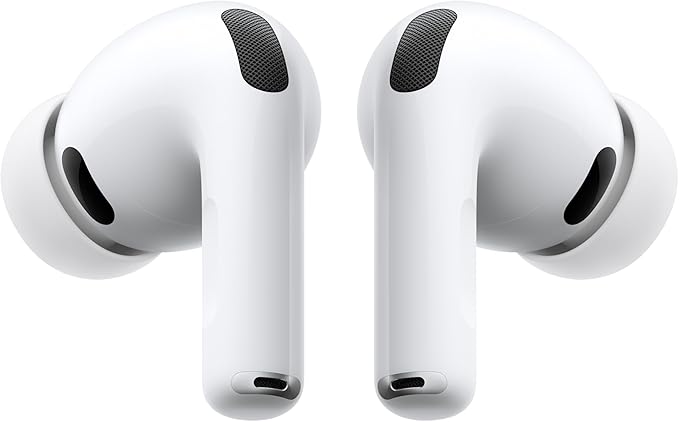
If any part of the case met a dampened cloth, leave the lid open in the air for a while and confirm everything is fully dry before the buds go back in or the cable goes in; Apple’s guidance is explicit that AirPods should only return to the case once completely dry. Then test the job properly: drop the buds in, confirm both charge indicators behave, close the lid and listen for the case speaker if your model has one. As a routine, a dry wipe and a well swab every couple of weeks stops the compacted buildup that makes cleaning a project, and a quick swab after beach, gym bag or building site days keeps grit out of the hinge. For the headphones side of the same habit, see how to clean headphones.
Frequently asked questions
Can I use water to clean my AirPods case?
Not under a tap, and not soaked into it. Apple says not to run AirPods or the case under water, and to keep liquid out of the charging contacts and openings. A cloth slightly dampened with water can wipe the exterior if needed, but a dry cloth handles most dirt, and 70 percent isopropyl alcohol on a cloth is the approved step for stubborn exterior grime.
Is isopropyl alcohol safe on the case?
On the outside, yes, in small amounts: a cloth slightly dampened with 70 percent isopropyl alcohol, or a 70 percent isopropyl or 75 percent ethyl alcohol wipe, is within Apple’s guidance for exterior surfaces. Keep it off the charging contacts, out of the wells and ports, and never pour or spray it onto the case. Bleach and hydrogen peroxide products are ruled out entirely.
How do I clean the charging contacts without damaging them?
Dry, gently, and with nothing metal. A dry cotton swab rolled lightly over the pins at the bottom of each well lifts the film that interrupts charging. Do not press hard, because the pins are small and spring mounted, and do not use liquid on them. If a bud still charges intermittently after cleaning, the problem is probably wear rather than dirt.
Why does one AirPod charge only sometimes?
Usually a dirty contact on that side: grime on the bud’s stem ring or the pins in its well breaks the connection when the bud sits slightly differently. Clean both the stem contacts on the bud and the well pins with a dry swab, reseat the bud firmly, and check again. MacRumors’ charging troubleshooting names dirty contacts as the most common cause of exactly this fault.
How often should I clean the case?
A quick dry wipe and a swab of the wells every couple of weeks keeps lint and oil from compacting, which is when cleaning turns into a project. Add an extra pass after the case has lived in a gym bag, a beach bag or a dusty pocket. The hinge and the charging port deserve attention at the same visit, since both collect debris silently.

I am the founder of Sound Mavericks, where I provide the polite truth about audio equipment. I started this site because consumer electronics reviews are often too technical. Instead of using a silent lab, I test headphones, earbuds, and Bluetooth speakers in the real world – like on a noisy subway or in a busy coffee shop.
To stay independent, I buy my own review units (mostly from the United States) rather than accepting free gifts from brands. Once I finish testing a product, I sell it locally to our community. My goal is to help you understand sound quality, active noise cancellation (ANC), and battery life without the marketing hype.