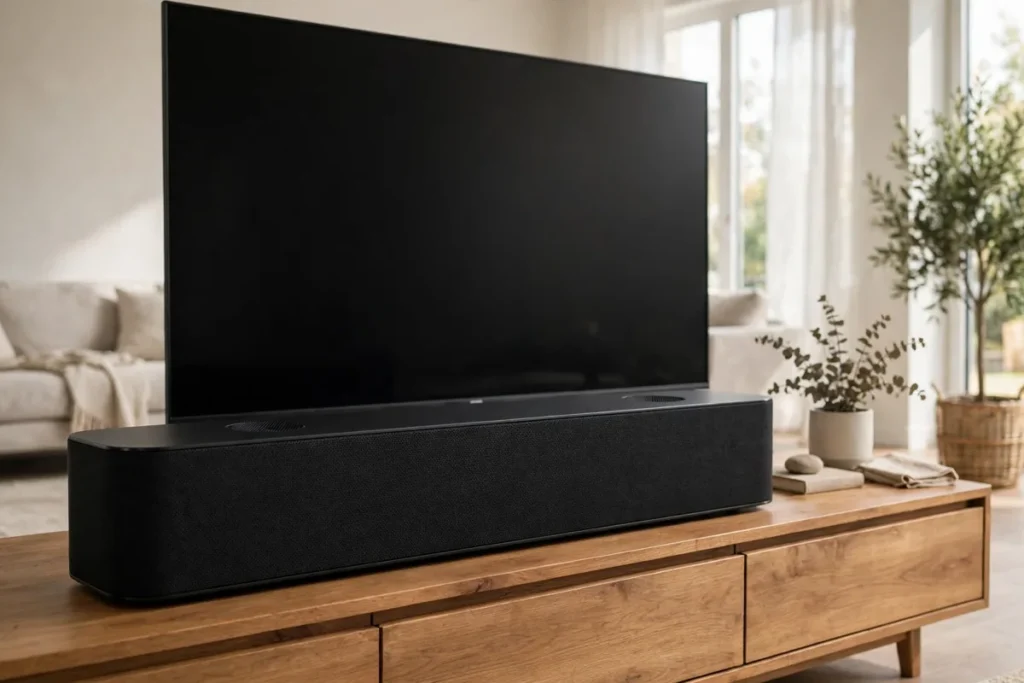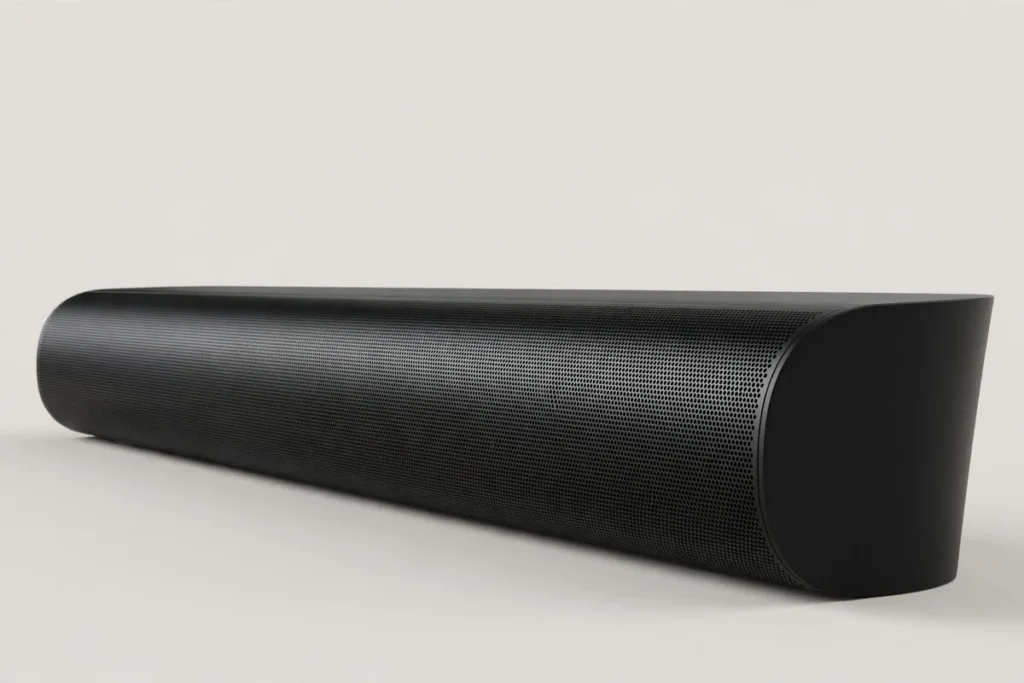
This amazon fire tv soundbar review covers Amazon’s base Fire TV Soundbar, the compact 24-inch 2.0 bar, model EVG487, ASIN B0C4BZ28PG. To be clear on the model: this is the smaller two-channel bar with DTS Virtual:X and Dolby Audio. It is not the larger Plus model, which is a different, longer bar with more channels, and the two should not be confused when comparing listings. The base bar’s job is narrow and honest: replace thin TV speakers with fuller sound and clearer dialogue, connect with one HDMI cable, and take orders from the remote you already use. There is no subwoofer, no voice assistant inside the bar, and no Wi-Fi streaming. What you get is a simple stereo bar that leans on virtual surround processing to sound bigger than its cabinet.
A note on method. This is a research review, built from the manufacturer’s published specifications, the verified listing for this exact model, and independent coverage. We have not had a unit on the desk, so nothing here claims hands-on testing, and speaker products on this site carry no scores.
The base Fire TV Soundbar is the right buy when your TV sounds thin and you want the simplest possible fix. Dialogue is the clear win: voices sit forward in the mix, the Dialogue mode pushes them further, and DTS Virtual:X widens the sound so films feel less trapped inside the TV panel. The limits are physical. Two speakers in a 24-inch cabinet cannot produce real bass weight, and there is no way to add a subwoofer later. Buyers who watch a lot of action films should weigh that against the bars in our best budget soundbars coverage before deciding. For news, drama, sport and everyday streaming in a small or medium room, this bar does the job it promises. Check Price on Amazon

Why you: A 24-inch stereo bar that fixes thin TV sound with one HDMI cable, clear dialogue modes and control from your existing Fire TV remote.
Trade-off: No subwoofer and no way to add one, so bass stays light, and there is no Alexa or Wi-Fi streaming built into the bar itself.
Amazon Fire TV Soundbar specifications
| Spec | Amazon Fire TV Soundbar |
|---|---|
| Product | Amazon Fire TV Soundbar, compact 2.0 soundbar, model EVG487; the base model, distinct from the larger Plus bar |
| Channels | 2.0, dual full-range speakers |
| Audio formats | DTS Virtual:X virtual surround, Dolby Audio (Dolby Digital) |
| Sound modes | Movie, Music, Dialogue |
| Connections | HDMI eARC/ARC, optical, USB-A, Bluetooth for phone and tablet streaming |
| Control | Included remote; Fire TV remote and TV remote volume control over HDMI-CEC |
| Size and weight | 24 x 3.5 x 2.5 inches; about 3.97 lb (1.8 kg) |
Sound: dialogue first, bass last
The base Fire TV Soundbar earns its place on dialogue. TV speakers fire down or backwards and bury voices under music and effects. This bar fires forward from two dedicated speakers, and the difference is the kind you notice in the first scene: presenters, drama dialogue and commentary all read cleanly at normal volume, without riding the remote through quiet and loud passages. The Dialogue sound mode lifts the vocal range further, and it is the mode most owners will live in.
DTS Virtual:X is the bar’s party trick. It takes the two channels and processes them to suggest width and a touch of height, so rain, crowd noise and film scores spread beyond the edges of the cabinet. It is a convincing widening effect in a small room, and it is not surround sound. Nothing arrives from behind you, and buyers who want real rear effects need a system with physical rear speakers, of the kind compared in our best soundbars guide. Judged as stereo with good processing, the bar performs well. Judged as a cinema system, it was never entered in that contest.
Our guidance on the three modes: live in Dialogue for news, drama and sport, where speech carries the programme and the vocal lift earns its keep. Switch to Movie for films, where the Virtual:X widening has something to work with. Use Music for Bluetooth listening from a phone, where a plainer presentation suits a stereo recording. The modes cannot change what the cabinet is, but picking the right one stops the bar fighting the content.
Bass is the honest limit, and independent reviews land in the same place: Stereoguide scored the bar 81 out of 100 with a Buy Tip in its review, and still named the missing subwoofer output as the trade-off. Explosions and bass lines are present and tidy, but they lack the physical push a subwoofer gives, because there is no subwoofer here and no port to add one. Music over Bluetooth shows the same shape: fine for radio, podcasts and background listening, thin when a track depends on low end. If your viewing is mostly films with big scores and effects, step up a class. If it is mostly speech with some film nights mixed in, the balance is right.
Setup and living with it
Setup is one cable. Plug the included HDMI cable into your TV’s ARC or eARC port, plug in power, and the TV hands its audio to the bar. An optical input covers older TVs without ARC, and USB-A is there for service and media on some setups. There is no app and no Wi-Fi configuration, which keeps the whole process under five minutes for most people. The bar can sit on a stand or wall mount under the TV, and at 2.5 inches tall it rarely blocks the picture.
Control is the other half of the appeal for Fire TV households. Connected over HDMI, the bar follows the TV or Fire TV remote for volume, so the included remote can stay in a drawer. Owners of other TV platforms still get HDMI-CEC volume control on most sets, plus Bluetooth for streaming music from a phone. What the bar does not do is listen: there is no microphone, no Alexa inside, and no AirPlay or Wi-Fi casting. Your streaming stick or TV remains the brains of the system, and the bar stays a speaker. For many buyers that separation is a feature, because the bar keeps working unchanged when the stick gets replaced.
Fire TV Soundbar or a 2.1 bar with a subwoofer?
This is the real choice at this end of the market. A 2.1 bar adds a separate, usually wireless, subwoofer box. You gain real low-end weight for films and music, and you pay for it with a second box to place, a second power socket, and usually a higher price. The Fire TV Soundbar counters with size, simplicity and dialogue clarity. In a bedroom, a small living room, or a setup where the TV sits on a narrow stand, the single compact bar is easier to live with. In a larger room where film nights are the main event, the subwoofer earns its floor space. Our best Bluetooth speaker for TV coverage is also worth a look if you are weighing a portable speaker against a dedicated bar, though a wired bar like this one wins on lip sync and always-on readiness.
Who should buy the Amazon Fire TV Soundbar
Buy it if your TV dialogue is hard to follow, your room is small or medium sized, and you want a one-cable upgrade that your existing remote can drive. It suits Fire TV households best, but it is not limited to them.
Skip it if bass weight matters to you, if you want to expand to a subwoofer or rear speakers later, or if you want voice control and Wi-Fi streaming inside the bar itself. Each of those needs points to a larger system.
Frequently asked questions
Does the Fire TV Soundbar have Alexa built in?
No. There is no microphone and no voice assistant inside the bar. It is a speaker only. If your TV or streaming stick has Alexa, voice commands still work through that device, and the bar simply plays the sound.
Does the Fire TV Soundbar work with non-Fire TVs?
Yes. It connects to any TV with an HDMI ARC or eARC port, and it also has an optical input and Bluetooth. The Fire TV branding is about remote integration, not a lock-in. Owners of other smart TVs and streaming sticks can use it the same way.
Can you add a subwoofer to the Fire TV Soundbar?
No. The base Fire TV Soundbar has no subwoofer output and no wireless expansion path. If deeper bass matters, look at a 2.1 bar with a separate subwoofer, or at Amazon’s larger Plus model, which builds its bass drivers into the bar.
How do you control the Fire TV Soundbar?
It comes with its own remote, and when it is connected over HDMI ARC or eARC to a Fire TV device or a compatible TV, the TV remote can handle volume through HDMI-CEC. The three sound modes, Movie, Music and Dialogue, are selected from the remote.
Is the Fire TV Soundbar wall mountable?
Yes. The bar can sit on a TV stand or mount on a wall under the TV. At 24 inches wide and 2.5 inches tall it fits under most TVs without blocking the screen or the remote sensor on typical stands.

I am the founder of Sound Mavericks, where I provide the polite truth about audio equipment. I started this site because consumer electronics reviews are often too technical. Instead of using a silent lab, I test headphones, earbuds, and Bluetooth speakers in the real world – like on a noisy subway or in a busy coffee shop.
To stay independent, I buy my own review units (mostly from the United States) rather than accepting free gifts from brands. Once I finish testing a product, I sell it locally to our community. My goal is to help you understand sound quality, active noise cancellation (ANC), and battery life without the marketing hype.