If you are working out how to make headphones louder, start with a suspicion: the volume is rarely lost in one place. A phone limiter, an app slider, a tired ear pad and a quiet recording can each take a slice, and the pair gets blamed for all of it. Work through the checks below in order, testing with the same track at each step. Only when every layer checks out is the headphone itself the limit.
Why a pair sounds quiet before anything is broken
Sound passes through several volume controls before it reaches your ears, and the lowest one wins: the device volume, the volume inside the app, and on many wireless models a separate volume on the headphone itself. On top of those sit the deliberate caps, phone hearing-safety limits and loudness normalization, which turns loud tracks down to match quiet ones. Fit matters just as much. A pad that no longer seals leaks bass and forces you to raise the level to compensate. Anker’s headphone guides suggest a quick cross-test: if the same headphones sound quiet on every device, focus on the headphones, and if several pairs sound quiet on one device, focus on that source.
Step 1: Check every volume control, not just the main slider
Start with the device. Raise the media volume while music is playing, because phones keep separate sliders for calls, alarms and media, and the buttons adjust whichever one is active. Then check the app: streaming and video apps carry their own volume settings, and one quiet app under a loud system is a common pattern. On a computer, open the volume mixer and check the individual app level as well as the master level. Finally, use the controls on the headphone itself. On some wireless models the headphone volume and phone volume are linked, and on others they are not, so a headphone left at half volume caps everything the phone sends.
Step 2: Fix the fit and the seal
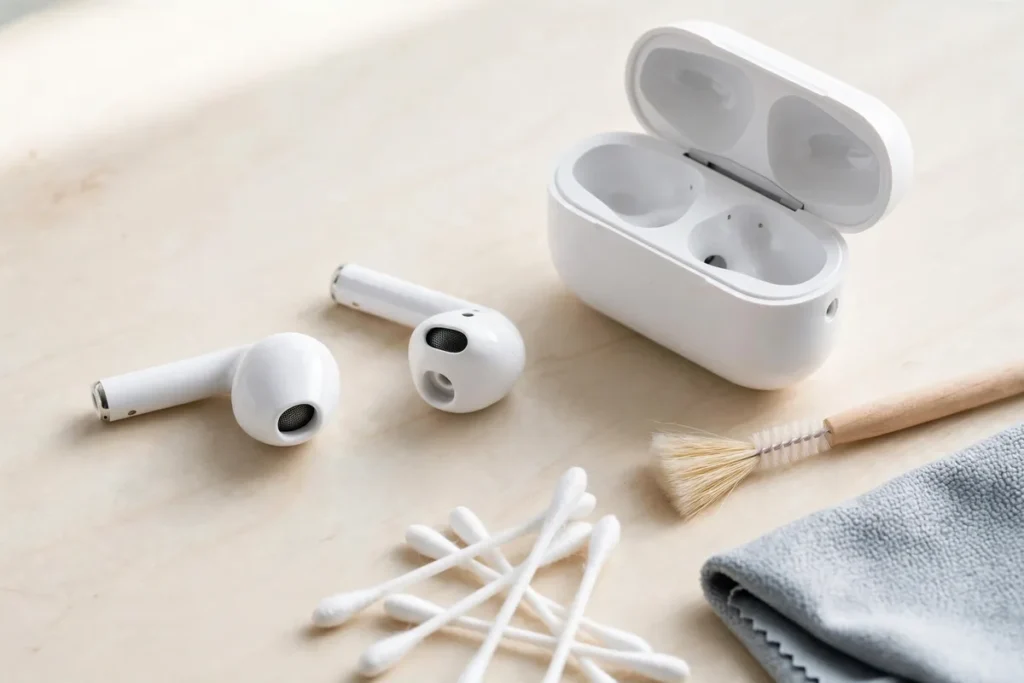
A sealed ear cup is a small pressurized space, and that pressure gives bass its weight. Anything that breaks the seal, hair under a pad, glasses arms, a pad flattened by long use, lets the low end escape and makes the pair sound thin and quiet. Reseat the cups so the pads sit flat all the way around, and replace pads that have gone thin or cracked; our guide to getting the best sound quality from headphones covers the fit checks in full. For in-ear models, try every tip size in the box. SoundGuys recommends foam tips such as the ones offered by Comply, because foam expands to fit the ear canal and holds a seal that silicone tips sometimes miss. While the pads are off or the tips are out, brush the driver grille gently with a dry, soft brush. A blocked grille is a quiet grille.
Step 3: Turn off the limiters and centre the balance
Phones ship with hearing-safety features that cap headphone output. On an iPhone, look under Headphone Safety in the sound settings; on Android, search the settings for volume limit, since the name varies by maker. Know what you are changing: these limits cap long-term exposure, so raising one is a decision, not a free upgrade. While you are in the sound settings, check the left-right balance and set it back to the centre. A balance slider nudged by accident makes one side quiet and the whole pair feel weak.
Step 4: Use EQ and preamp to sound louder without clipping
An equalizer cannot add power, but it can put energy where your hearing is most sensitive. A small lift in the midrange and presence region, roughly where voices and attack live, makes music feel louder and clearer at the same slider position. The catch is headroom. Boosting bands raises the total signal, and a signal pushed past the top of its range clips into harsh distortion. The discipline is the same one used in our guide on how to EQ your headphones: if you boost, lower the preamp or overall output by about the same amount, then judge the result honestly. Also check for a loudness or normalization setting in your streaming app and understand its trade: normalization protects you from sudden jumps between tracks, but it does so by turning loud tracks down. Dedicated booster apps, covered in our roundup of headphone volume booster apps, push gain past the normal ceiling and clip sooner; treat them as a last resort for quiet recordings, not a daily setting.
Step 5: Give wired headphones enough power from the source
Wired headphones draw their power from whatever they are plugged into, and some sources give very little. A small USB-C dongle or an older laptop output may not drive a high-impedance or low-sensitivity model to a satisfying level. The signs are consistent: the same pair sounds full from a desktop setup and thin from a phone. A portable DAC and amplifier supplies the voltage those models ask for. Wireless headphones are different: their amplifier sits inside the ear cup, the source only sends a digital signal, and the maximum level is set by the maker. No amp or dongle can raise a Bluetooth pair past its built-in ceiling.
How loud is too loud
Every fix above is about recovering volume that was being lost, not about pushing past safe levels, and the distinction matters. SoundGuys states the caution plainly: you should not expose yourself to sound louder than 85 dB for an extended period, because noise-induced hearing loss cannot be reversed, only prevented. The World Health Organization’s safe listening table tells the same story in time: at 85 dB the weekly allowance is about twelve and a half hours, and at 90 dB it falls to about four hours. Practical signs are simpler than meters: if your ears ring or feel muffled after a session, the level was too high. In noisy places, the safer way to hear more is a better seal or active noise cancelling, which lowers the background instead of raising the music.
When the headphones themselves are the limit
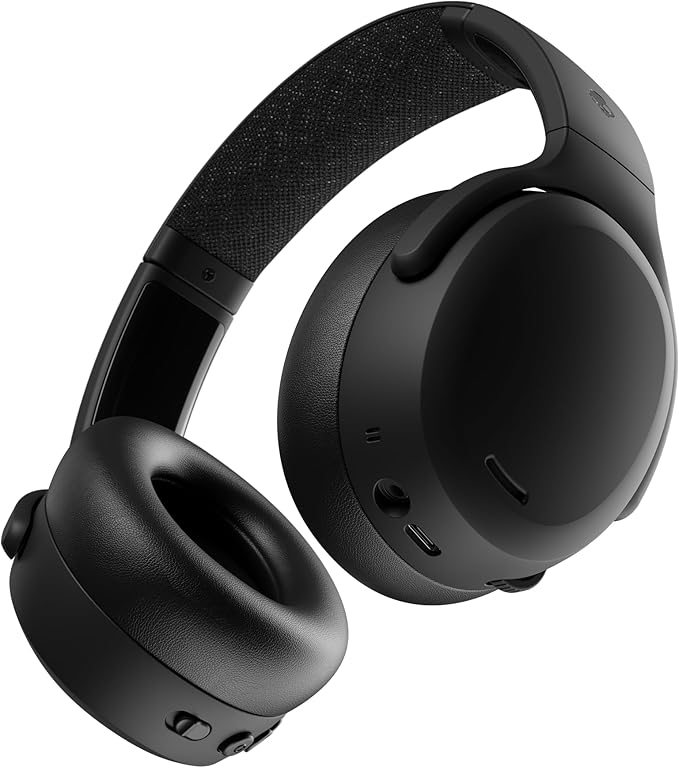
If every layer checks out and the pair is still quiet, the hardware is the ceiling: a low maximum output or a driver that runs out of clean level early. That is a buying problem, not a settings problem. The three pairs below are built for strong output and low-end weight rather than restraint. Our Skullcandy Crusher ANC 2 review and our Sony ULT WEAR review cover the first two in full.


Frequently asked questions
Why are my headphones so quiet even at maximum volume?
Usually because one layer in the chain is holding the level down: an app volume below maximum, a phone limiter, a worn ear pad leaking bass, or loudness normalization applied to the track. Work through the layers in order, device, app, then headphones, testing with the same track. If the pair is quiet on every device while other headphones sound fine on them, the headphones themselves are the limit.
Does EQ actually make headphones louder?
It makes them sound louder more than it makes them louder. Lifting the midrange and presence region, where hearing is most sensitive, raises perceived loudness without much extra power. A true overall boost needs headroom: raise the output and the signal clips unless you lower the preamp first, which gives back most of the gain. Used honestly, EQ is a clarity tool that helps at the volume you already have.
Can an amplifier make Bluetooth headphones louder?
No. A Bluetooth headphone carries its own amplifier and digital processing inside the ear cup, so its maximum volume is fixed by the maker and no external amp can raise it. Amplifiers help wired headphones, especially high-impedance models that a phone or laptop output cannot drive properly. If a wireless pair is too quiet after the settings and seal checks, the fix is a different pair, not more hardware in the chain.
Is it safe to turn off the volume limiter on my phone?
The limiter is there to cap long-term exposure, and raising it trades hearing safety for volume. SoundGuys puts the caution plainly: you should not expose yourself to sound louder than 85 dB for an extended period, because noise-induced hearing loss cannot be reversed. If you do raise a limiter, keep sessions short, take breaks, and treat ringing or muffled hearing afterwards as a sign the level was too high.
Why is one side of my headphones quieter than the other?
Check the balance slider first and set it back to the centre. If the balance is centred, the usual causes are a blocked grille or ear tip on the quiet side, a pad that seals worse on that side, or a cable that is not fully seated. Clean the grille gently with a dry brush and reseat everything. A difference that survives cleaning and a source swap points to a failing driver.

I am the founder of Sound Mavericks, where I provide the polite truth about audio equipment. I started this site because consumer electronics reviews are often too technical. Instead of using a silent lab, I test headphones, earbuds, and Bluetooth speakers in the real world – like on a noisy subway or in a busy coffee shop.
To stay independent, I buy my own review units (mostly from the United States) rather than accepting free gifts from brands. Once I finish testing a product, I sell it locally to our community. My goal is to help you understand sound quality, active noise cancellation (ANC), and battery life without the marketing hype.