MP3 V0 vs 320 is one of those debates that refuses to die on audio forums: should you encode your music with LAME’s V0 variable-bitrate preset or with 320 kbps constant bitrate? After digging through listening-test results and the encoder’s own documentation, our verdict is simple — for most listeners, there is no audible difference, and V0 wins on file size. Here’s the full technical breakdown.
Key Takeaways
- V0 is the highest-quality VBR preset in the LAME encoder — not “quality level 0.” It targets ~245 kbps on average and spends up to 320 kbps only where the audio demands it.
- 320 kbps CBR is the maximum bitrate the MP3 format allows, applied to every second of the file — including silence.
- Blind listening tests consistently show that the overwhelming majority of listeners cannot reliably tell V0, 320, and even lossless apart.
- For most people, V0 is the smarter default: near-identical sound, roughly 20–25% smaller files. Choose 320 only when hardware or workflow compatibility demands it.
What Is MP3 V0?
MP3 V0 is the top preset of the variable bitrate (VBR) scale in the LAME encoder — the free, open-source MP3 encoder that became the de facto standard for quality-conscious ripping. LAME’s VBR scale runs from V9 (lowest quality, smallest files) up to V0 (highest quality, largest files). The “V” stands for VBR, and counter-intuitively, the lower the number, the higher the quality.
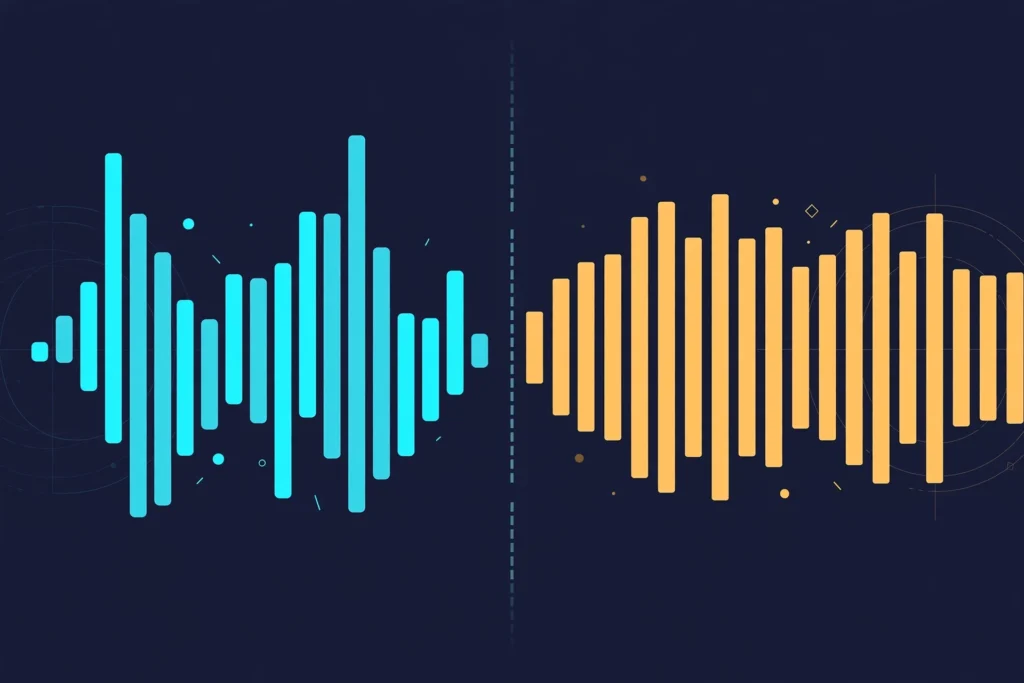
Instead of locking the bitrate, V0 tells the encoder: “keep perceived quality at the highest level, and use whatever bitrate each moment of audio needs to get there.” In practice, V0 files average around 245 kbps. Complex passages — dense cymbal work, layered strings, applause — can peak at the full 320 kbps, while simple or silent sections drop much lower. The bitrate follows the music’s complexity moment by moment.
What Is MP3 320?
MP3 320 is constant bitrate (CBR) at 320 kilobits per second — the maximum bitrate the MP3 format supports. Every single frame of the file gets 320 kbps, whether that frame contains a full orchestral crescendo or complete digital silence.
The appeal is predictability: you always know exactly what you’re getting and exactly how big each file will be. The cost is efficiency: those 320 kilobits are spent even when the encoder has nothing difficult to encode.
How VBR Works (and Why It Is Smarter)
Variable bitrate encoding works on a simple insight: not every second of music is equally hard to compress. A solo piano passage compresses easily; a full-band crash with cymbals and reverb tails is far harder. VBR hands the encoder a quality target and lets it spend bits where they matter.
The LAME developers and the Hydrogenaudio community — where much of the format’s testing has been documented over the years — have long recommended V0 as the best balance of transparency and file size for MP3. In our own analysis, the logic holds: VBR is essentially 320 kbps when it needs to be, and nothing more when it doesn’t.
Can You Hear the Difference Between MP3 V0 and 320?
This is the question that drives the whole debate, and the answer is well-established: for the overwhelming majority of listeners, no — not reliably. Decades of ABX listening tests (blind tests where listeners compare samples without knowing which is which) have repeatedly shown that even trained listeners on good gear struggle to distinguish 320 kbps MP3 — CBR or V0 — from the original lossless source, let alone from each other.
You might stand a chance on the most revealing equipment in a quiet room with killer-sample tracks (applause, harpsichord, and certain electronic textures are classic problem cases), and even then the difference is subtle at best. On everyday gear — Bluetooth headphones, car systems, phone speakers — V0 and 320 will sound identical.
Our takeaway: if you want an audible upgrade over both, the jump worth making is to a lossless format like FLAC, not sideways from V0 to 320. See our FLAC vs WAV comparison and our guide to 16-bit vs 24-bit audio for what actually changes when you leave lossy behind.
MP3 V0 vs 320: File Size Comparison
Here’s the math. Bitrate × duration ÷ 8 = file size in megabytes:
| Format | Bitrate | 3-minute song | 10,000-song library |
|---|---|---|---|
| MP3 V0 (VBR) | ~245 kbps average | ~5.5 MB | ~55 GB |
| MP3 320 (CBR) | 320 kbps fixed | ~7.2 MB | ~72 GB |
V0 saves roughly 20–25% of storage — about 17 GB on a 10,000-track library. The gap widens further with podcasts and long recordings, where V0’s lower bitrate on silence and speech pays off even more.
MP3 V0 vs 320: Side-by-Side
| MP3 V0 | MP3 320 | |
|---|---|---|
| Encoding | Variable bitrate (VBR) | Constant bitrate (CBR) |
| Average bitrate | ~245 kbps (up to 320 when needed) | 320 kbps, always |
| Audible quality | Effectively identical — both transparent to nearly all listeners | |
| File size | Smaller (~20–25% less) | Larger (320 kbps even for silence) |
| Compatibility | Excellent on modern devices | Best on very old players and some DJ gear |
Which Should You Use: V0 or 320?
Use MP3 V0 if you want the best MP3 quality per megabyte — your personal music library, phone storage, or anything where space matters and the player is reasonably modern. It’s the default we’d recommend to nearly everyone.
Use MP3 320 if you need guaranteed compatibility: very old portable players, some car head units, and certain DJ setups (CDJs and similar) can display wrong durations or seek sloppily with VBR files, because they estimate track length from the file’s first frames. For a DJ library where a misbehaving deck is a gig ruined, CBR’s predictability is worth the extra megabytes.
Two rules apply whichever you pick. Always encode from a lossless source (CD, WAV, FLAC) — re-encoding one lossy file into another stacks artifacts. And don’t agonize: the difference between these two settings is one of the smallest in all of audio. If you’re investing to hear more of your music, put the effort into the playback chain — a good headphone amp will change what you hear far more than swapping V0 for 320 ever will.
Frequently Asked Questions
Is MP3 V0 better than 320?
Not audibly. V0 and 320 are effectively transparent to the vast majority of listeners — blind tests show people can’t reliably tell them apart. V0’s real advantage is efficiency: files roughly 20–25% smaller at the same perceived quality.
Does V0 mean “quality level 0”?
No — it’s the opposite. In LAME’s VBR scale, V0 is the highest quality preset (V9 is the lowest). The number is an index on the VBR quality scale, not a bitrate or a grade.
Is MP3 V0 lossless?
No. Both V0 and 320 are lossy MP3 — they permanently discard audio data the encoder deems inaudible. V0 just discards it more intelligently. For true lossless, use FLAC, ALAC, or WAV.
Why do DJs and producers often use 320 CBR instead of V0?
Compatibility and predictability. Some DJ hardware and older players handle constant-bitrate files more gracefully — accurate time displays, reliable seeking — and in professional workflows, knowing every file behaves identically matters more than saving storage.

I am the founder of Sound Mavericks, where I provide the polite truth about audio equipment. I started this site because consumer electronics reviews are often too technical. Instead of using a silent lab, I test headphones, earbuds, and Bluetooth speakers in the real world – like on a noisy subway or in a busy coffee shop.
To stay independent, I buy my own review units (mostly from the United States) rather than accepting free gifts from brands. Once I finish testing a product, I sell it locally to our community. My goal is to help you understand sound quality, active noise cancellation (ANC), and battery life without the marketing hype.