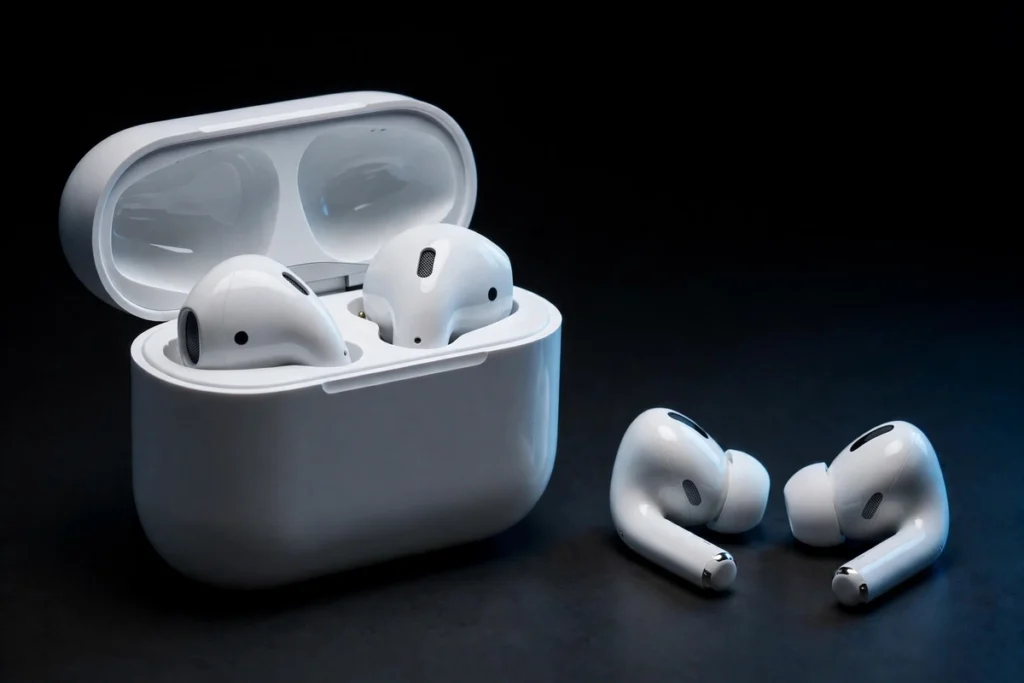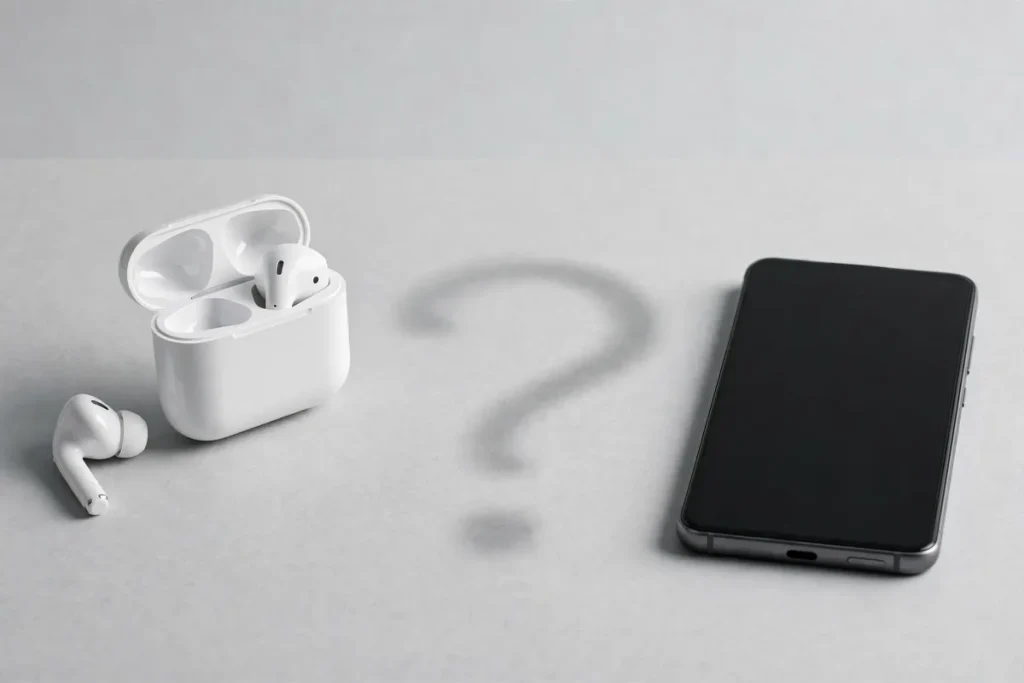
Yes. AirPods work with a Google Pixel for the things that matter day to day: music and podcasts, calls, and noise cancelling on the Pro models. AirPods are standard Bluetooth earbuds underneath the Apple layer, and a Pixel pairs with them like any other Bluetooth device. What you give up is the Apple layer itself, the setup pop-up, automatic switching, Siri, reliable ear detection and proper battery readouts. The table below separates what works from what does not, so you can judge the trade before spending anything.
This explainer is built from Apple and Google published specifications and compatibility documentation, plus the Android community tooling that has grown up around AirPods. We have not run hands-on cross-platform tests for this piece, and feature behaviour can shift with firmware, which is why the firmware section matters.
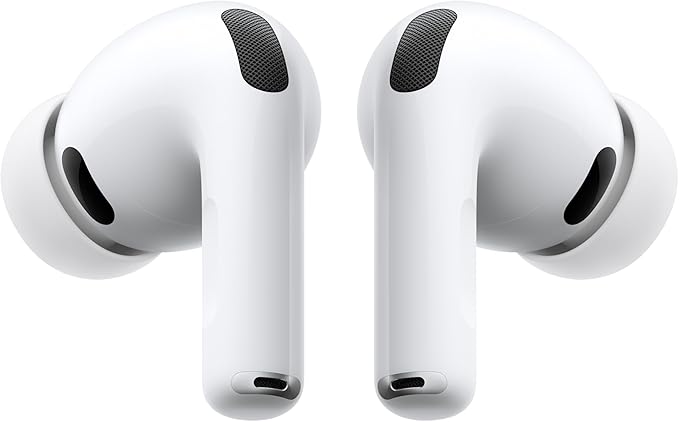
Apple AirPods Pro 3 8.6/10
Why you: you already own Apple gear too, or plan to, and you want the strongest ANC and the hearing features while keeping basic Pixel use today.
Trade-off: on a Pixel alone you pay for an Apple feature set you mostly cannot open, and firmware updates still need a borrowed Apple device.
H2 chip · ANC · Up to 8 h (24 h with case) · IP57 · Bluetooth 5.3
How pairing works on a Pixel
There is no pop-up. Put the AirPods in pairing mode, back-of-case button held until the light flashes white on Pro 2 and older, double-tap on the front of the case for AirPods 4 and Pro 3, then open Settings, Connected devices, Pair new device on the Pixel and tap the AirPods name. From then on they reconnect when you open the case, like any Bluetooth earbud. Fast Pair is a Google feature AirPods do not support, so the first connection is always this manual route.
What works and what does not
| Feature | On Google Pixel | Notes |
|---|---|---|
| Music and podcast playback | Works | Standard Bluetooth audio, AAC included |
| Phone and app calls | Works | Mics and call audio behave normally |
| ANC and Transparency (Pro, 4 ANC, Max) | Works | Switch modes with the stem squeeze |
| Play, pause and skip controls | Works | Stem and touch controls carry over |
| Volume control | Partial | Phone buttons work; some gesture options cannot be remapped |
| Setup pop-up and Fast Pair | Lost | Manual Bluetooth pairing only |
| Automatic switching between devices | Lost | No iCloud account sync on Android |
| Ear detection auto-pause | Partial or lost | Not reliable natively; some apps restore it on Pro models |
| Personalized Spatial Audio with head tracking | Lost | Fixed spatial processing in some apps is not the Apple feature |
| Siri | Lost | No Siri, and no native Google Assistant trigger from the buds |
| Find My tracking | Lost on the phone | Find My only works through Apple devices or iCloud on the web, and only if the AirPods were set up with an Apple account first |
| Per-bud and case battery readouts | Partial | Rough system figure at best; third-party apps do it properly |
| Firmware updates | Lost | Require an iPhone, iPad or Mac |
What works: the core is intact
Audio quality survives the platform change because it lives in the hardware. The drivers, the tuning and the ANC processing are all on the buds, and the Pixel streams AAC over Bluetooth, which is the codec AirPods prefer. Calls work through the standard hands-free profile. Noise cancelling on the Pro 3, AirPods 4 with ANC and AirPods Max runs exactly as it does on an iPhone, and the squeeze gesture still cycles ANC, Transparency and off. If your use is press play, take calls, cancel a train, a Pixel and AirPods get along fine.
What you lose: the Apple layer
The losses cluster around convenience. No pop-up pairing and no account sync means no automatic switching: move from Pixel to a laptop and you disconnect and reconnect by hand. Ear detection, the auto-pause when you pull a bud out, is an Apple protocol behaviour that Android does not read natively, so music keeps playing into your pocket on most models. Head-tracked spatial audio is gone. Siri is gone, and squeezing a stem will not summon Google Assistant or Gemini either, because that trigger is reserved for Siri on Apple devices.
Find My deserves a clear warning. A Pixel cannot locate AirPods. If the buds were set up with an Apple account at some point, you can still see them through iCloud on the web or a friend Apple device. If they have only ever lived on your Pixel, there is no tracking safety net at all. Battery information is the last gap: Android system readouts for AirPods are rough or absent depending on model, so you learn a bud is dying from the low-battery tone, not a percentage.
Workarounds that actually help
Third-party Android apps fill part of the gap, and they should be named precisely because quality varies. AirBattery and MaterialPods are the long-running options: both read the battery broadcast AirPods send and show per-bud and case levels, and MaterialPods adds an AirPods-style pop-up. A newer option, LibrePods, was covered widely in 2026 after Google fixed an Android Bluetooth compatibility issue on Pixel phones, and it reports battery, ear detection and listening-mode controls for the AirPods Pro 2, Pro 3 and AirPods Max. Treat any of these as a bonus layer, not a guarantee, and check the listing supports your exact model before paying for premium tiers.
For the assistant gap, the practical workaround is the phone itself: use the Pixel power button long-press or the on-screen Gemini shortcut, because no AirPods gesture will trigger it. For switching, favour devices that remember the AirPods so reconnection is two taps. None of this restores firmware updates. That one has no workaround at all beyond borrowing an iPhone, iPad or Mac a few times a year.
The reverse trip: Pixel Buds on an iPhone
The Pixel Buds have the mirror-image problem, which the cluster behind this article also asks about. Pixel Buds Pro 2 pair with an iPhone as ordinary Bluetooth earbuds: audio, calls and ANC all work, and the touch controls behave. What an iPhone cannot give them is the Pixel Buds app for settings and updates, Gemini hands-free access, and Google Find My Device tracking. Our older Pixel Buds A-Series vs AirPods Pro 2 comparison shows the same pattern on the budget tier. The rule in both directions is identical: the hardware travels, the ecosystem does not. For the wider Android-native field, see our guides to earbuds compatible with Android and the best Bluetooth earbuds for Android.
The native alternative: Pixel Buds Pro 2
If the Pixel is your phone and there is no Apple device in your life, the honest recommendation is the earbud built for it. The Pixel Buds Pro 2 give you the full settings app, Gemini built in, multipoint that treats your Pixel and laptop as equals, working battery readouts and up to 8 hours of listening with ANC on. The fit is a strong point too, with a twist-to-adjust stabiliser that suits smaller ears. You give up the Pro 3 hearing-health set and its slightly stronger top-end cancelling, and you gain a product where every feature on the box works with the phone in your pocket.

Google Pixel Buds Pro 2 8.6/10
Why you: you get the full Pixel Buds app, Gemini, proper battery readouts and multipoint, in the most comfortable fit Google has made.
Trade-off: the ANC is a step behind the AirPods Pro 3 at the top end, and iPhone users get only basic Bluetooth from them.
Tensor A1 chip · ANC · Up to 8 h ANC (30 h with case) · IP54 buds · Bluetooth 5.4
FAQ
Do AirPods work with Google Pixel for calls?
Yes. Calls use standard Bluetooth hands-free profiles, so the microphones, call audio and basic controls all work on a Pixel. What you lose is Voice Isolation tuning and the iPhone call settings. In quiet and moderately noisy places, call quality stays close to the iPhone experience.
Does AirPods noise cancelling work on a Pixel?
Yes. ANC and Transparency are processed on the AirPods themselves, and the stem squeeze still switches between modes on the Pro models and AirPods 4 with ANC. What you cannot do on a Pixel is adjust the modes or Adaptive Audio settings in an app, because there is no AirPods app for Android.
Can I see AirPods battery level on a Pixel?
Not natively in any reliable per-bud form. Android shows a rough Bluetooth battery figure for some models, and third-party apps such as AirBattery or MaterialPods read the AirPods broadcast and show each bud and the case. Accuracy varies by model, with the Pro 3 and Pro 2 best supported.
Can I update AirPods firmware with only a Pixel?
No. AirPods firmware updates install only through an iPhone, iPad or Mac. Borrow any Apple device for ten minutes, pair the AirPods, leave them charging nearby and the update applies in the background. Without updates the buds keep working, but fixes and new features pass you by.
Do Pixel Buds work with an iPhone?
Yes, as standard Bluetooth earbuds. Music, calls and noise cancelling on the Pro models work. You lose Gemini access, the Pixel Buds app settings on iOS, automatic switching across Google devices and Find My Device tracking depth, which mirrors what AirPods lose on a Pixel.
Should a Pixel owner buy AirPods Pro 3 or Pixel Buds Pro 2?
Buy the Pixel Buds Pro 2 if the Pixel is your only phone. You get the full app, Gemini, multipoint that includes your Pixel properly, and battery readouts that work. Buy the AirPods Pro 3 if you also use an iPhone, iPad or Mac, or you expect to switch platforms soon.
Verdict
AirPods on a Pixel are a good answer to a specific situation: you own them already, or your household and work life still run on Apple gear. The audio, calls and cancelling justify keeping them. As a fresh purchase for a Pixel-only owner, the maths changes. You would pay the full AirPods price for a feature list with a third of it greyed out, while the Pixel Buds Pro 2 deliver their whole list for the same pocket. Match the earbud to the phone you actually carry.

I am the founder of Sound Mavericks, where I provide the polite truth about audio equipment. I started this site because consumer electronics reviews are often too technical. Instead of using a silent lab, I test headphones, earbuds, and Bluetooth speakers in the real world – like on a noisy subway or in a busy coffee shop.
To stay independent, I buy my own review units (mostly from the United States) rather than accepting free gifts from brands. Once I finish testing a product, I sell it locally to our community. My goal is to help you understand sound quality, active noise cancellation (ANC), and battery life without the marketing hype.