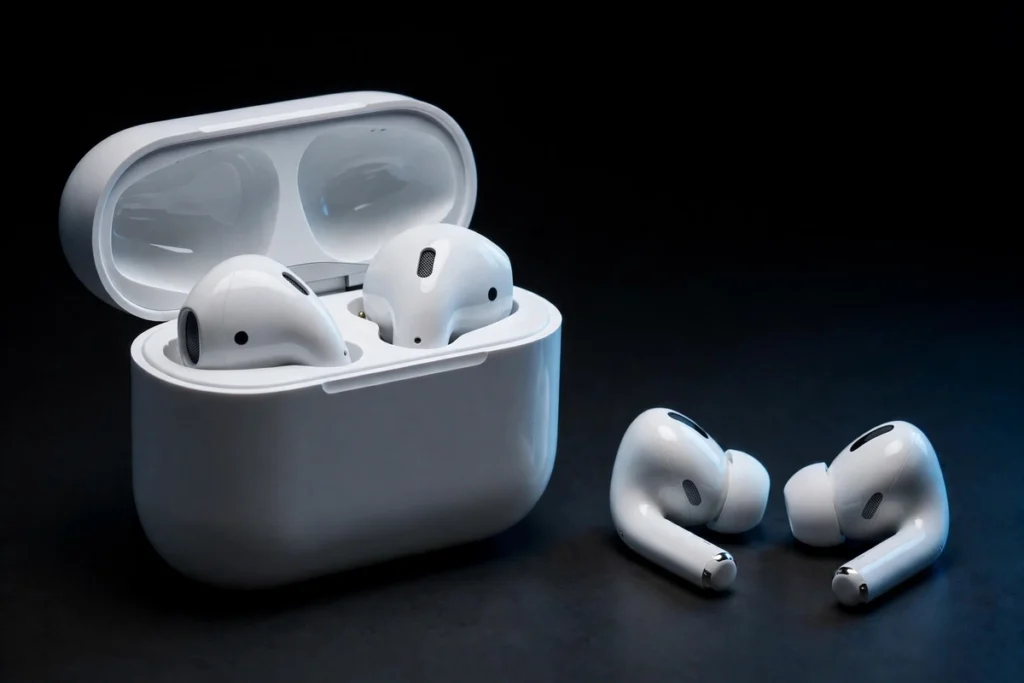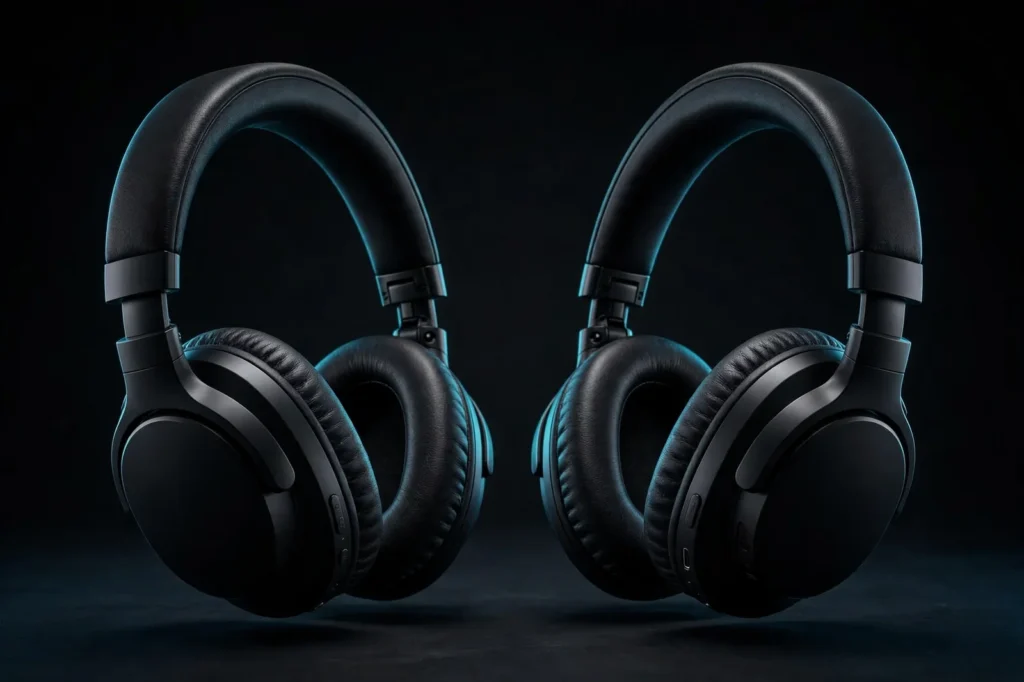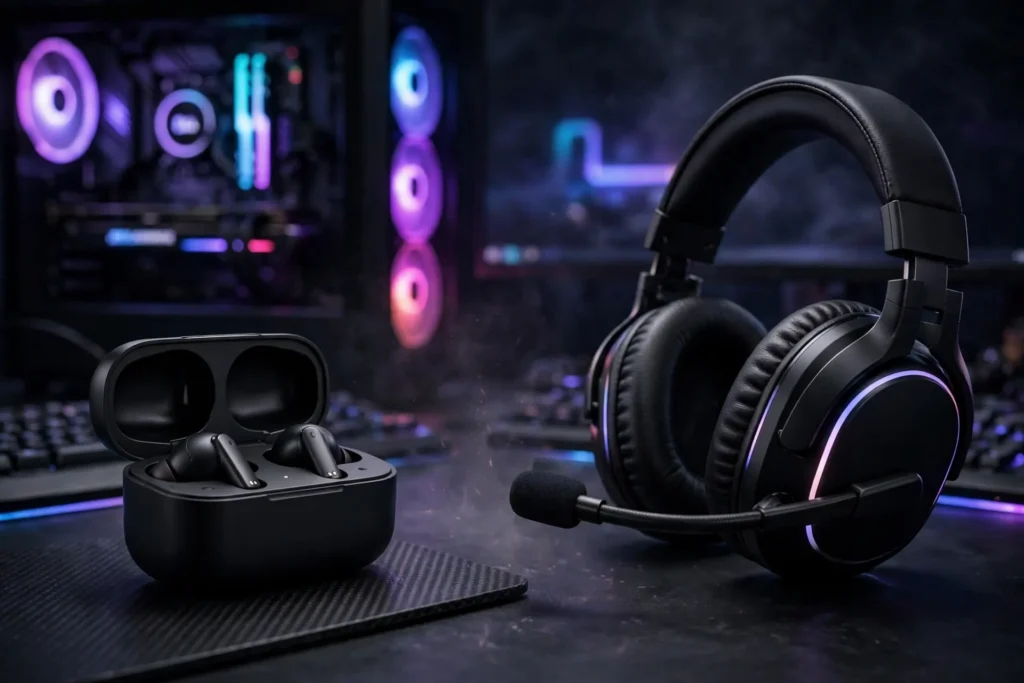
Earbuds vs headsets for gaming is no longer a question with an obvious answer. Headsets still own the desk: bigger drivers, boom microphones and cushions built for marathon sessions. But modern gaming earbuds have closed the gap with low-latency 2.4GHz dongles, active noise cancelling and spatial audio, in a pocket-sized case. SoundMavericks compared both form factors across soundstage and imaging, mic quality, comfort, portability and platform compatibility, using published specifications and verified listings, so you can pick the side that matches how you actually play.
Choose a headset for competitive and immersive play at a fixed desk or console: wider soundstage, clearer boom-mic chat and no battery anxiety mid-match. Choose gaming earbuds for portability, cooler long sessions, glasses-friendly fit and handheld or travel play. Our top pick on each side:
Best gaming earbuds: Sony INZONE Buds — low-latency 2.4GHz dongle, ANC and 360 Spatial Sound built for PS5 and PC.
Best gaming headset: Razer BlackShark V2 Pro — a standout super wideband boom mic, pro-tuned FPS profiles and up to 70 hours of battery life.
Earbuds vs Headsets for Gaming at a Glance
The short version is a trade, not a knockout. Headsets trade size for capability: room for large drivers, a proper boom microphone and batteries that last for days. Earbuds trade that headroom for freedom: almost no weight, no headband, no hot ear cups, and one device that follows you from a ranked match to a train ride. This criteria table shows where each form factor genuinely leads; named products follow further down.
| Criterion | Gaming Earbuds | Gaming Headsets | Edge |
|---|---|---|---|
| Soundstage | Narrower, more in-head presentation | Wider, more natural sense of distance | Headsets |
| Imaging | Precise on well-tuned models; cues sit close | Precise, with easier front/back separation | Headsets, slightly |
| Microphone | Built-in mics, adequate for casual chat | Boom mic close to the mouth, clearer voice | Headsets |
| Long-session comfort | No heat or clamp; possible ear-canal fatigue | Weight spread over head; cups can run warm | Depends on you |
| Portability | Pocket-sized case, travel-ready | Bulky; needs bag space | Earbuds |
| Battery pattern | Shorter per charge, topped up by the case | Long single-charge endurance on wireless models | Headsets |
| Glasses and hats | Nothing presses on frames or head | Cups can press glasses arms into the head | Earbuds |
Are Earbuds Good for Gaming?
Yes — with one condition. Earbuds are good for gaming when they are gaming earbuds, meaning they connect over a low-latency 2.4GHz USB dongle or a wire rather than standard Bluetooth alone. Ordinary Bluetooth adds enough delay that gunshots and footsteps drift out of sync with the picture, which is why regular music buds disappoint in fast games. A 2.4GHz dongle cuts latency to where competitive play feels responsive — the single feature separating the models in this guide from everyday true wireless buds.
Fit is the other condition. A bud that seals properly delivers its full bass, isolation and imaging; a loose bud loses all three at once. That is why gaming buds ship with several tip sizes, and why players who cannot get a stable in-ear fit usually end up happier with a headset. If in-ear fit works for you, our guide to the best IEMs for gaming covers the wired in-ear route in depth.
Soundstage and Imaging: Are Headphones or Earbuds Better for Gaming?
Headsets win this round, for physics rather than marketing. A headset driver sits outside your ear, inside a cup with real air volume, so sound arrives the way your outer ear expects. That produces a wider soundstage — the perceived space a game world is painted across — and makes distance easier to judge. If the term is new to you, our explainer on what soundstage is in headphones covers width, depth and imaging.
Earbuds place the driver at the ear canal, so their soundstage is smaller and more in-head: cues feel close rather than spread out. The surprise is imaging. A well-tuned gaming bud places left, right and centre cues very precisely, and in a stereo shooter that precision matters more than stage size. Where earbuds fall behind is front-versus-back and distance judgement, where headsets and spatial processing — 360 Spatial Sound, DTS Headphone:X, THX Spatial Audio — have more to work with. For cinematic games, headset width is also simply more fun: scores and open-world ambience breathe in a way earbuds rarely match.
Microphone Quality: The Boom Mic Advantage
This is the clearest gap between the form factors. A headset boom puts the microphone centimetres from your mouth, pointed at your voice and away from keyboard clatter. The result is the full, clear callout quality teammates notice immediately. The BlackShark V2 Pro’s detachable HyperClear Super Wideband mic and the Cloud III’s detachable noise-cancelling mic with LED mute indicator are the standard bearers, and the Arctis Nova 7’s retractable ClearCast Gen 2 mic adds AI noise cancelling while disappearing into the ear cup when unused.
Earbud microphones live in a bud on the side of your head, far from your mouth. Modern processing makes them serviceable for Discord, party chat and casual ranked play — both the INZONE Buds and Arctis GameBuds handle everyday voice chat without drama. But for streaming, content creation, or a team that talks constantly, a boom mic is the difference between being understood first time and repeating every callout. Earbud loyalists sometimes solve this with a separate desk microphone, worth weighing into the earbud route’s total cost.
Comfort for Long Sessions: Headset or Earbuds for Gaming?
Comfort is where the answer flips by player. A good headset spreads its weight — roughly 300 grams on models like the Cloud III — across a padded headband and two large cushions, so nothing presses into your ear canal during a four-hour session. The costs are heat and clamp: closed cups trap warmth, and clamping force can press glasses frames into your head. Fabric cushions, like those on the Arctis Nova 7, run noticeably cooler than leatherette.
Earbuds remove heat, clamp and headband pressure entirely — the natural choice if you wear glasses or a cap. Their fatigue shows up elsewhere: an ear tip sealing all evening can leave canals sore, and a poor tip match means constant readjustment. Neither side wins for everyone, which is why our round-up of best PC gaming headsets treats cushion material and weight as first-order criteria. Rule of thumb: desk sessions in a cool room favour headsets; warm rooms, glasses and handheld play favour earbuds.
Portability and Battery Life
No contest on portability. Gaming earbuds travel in a pocket-sized case, weigh almost nothing, draw no attention on a train, and double as everyday music and call earbuds. A headset is luggage: even folding models need real bag space. For Switch, Steam Deck, laptop and phone players who game in more than one place, earbuds are usually the only form factor that fits the lifestyle.
Battery behaviour differs rather than one side simply lasting longer. Wireless headsets run for days per charge — up to 38 hours on the Arctis Nova 7, up to 70 hours on the BlackShark V2 Pro — and the wired Cloud III never needs charging. Earbuds run for hours per charge — up to 10 hours for the GameBuds, up to 12 for the INZONE Buds — but their cases hold top-ups (the GameBuds case extends total use to up to 40 hours), so the weekly rhythm is similar. The real risk is timing: an earbud dying mid-match is more likely simply because its per-charge window is shorter.
Platform Compatibility: Check the Connection Before the Shape
Compatibility decides purchases, because a brilliant device that cannot connect to your platform is the wrong device. Xbox is the strictest gatekeeper: its wireless licensing means many multi-platform products skip Xbox wireless entirely. The wired HyperX Cloud III sidesteps the issue with 3.5mm, USB-C and USB-A covering PC, PS5, Xbox Series X|S, Switch, Mac and mobile. The Arctis Nova 7’s dongle covers PC, PlayStation, Switch and mobile — the standard Nova 7 is not the Xbox model; Xbox players need the Nova 7X variant. The BlackShark V2 Pro likewise has separate platform editions, so match the edition to your console.
Earbuds have their own trap. The INZONE Buds are built around their USB-C dongle for PS5 and PC, while their Bluetooth is LE Audio only — not a universal phone connection, and not compatible with iPhone over Bluetooth. The Arctis GameBuds are the more flexible travellers, pairing a 2.4GHz dongle with standard Bluetooth 5.3 for phones. Our wired vs wireless gaming headset guide works through the wider connection debate.
Competitive vs Immersive Play: Are Earbuds Better Than Headphones for Gaming?
For competitive play, the headset remains the safer recommendation: the wider soundstage helps separate overlapping cues, the boom mic keeps callouts clean, and no bud can work loose mid-round. Tournament practice complicates the picture, though — stage players famously compete with in-ear monitors under broadcast headsets, because a sealed earbud’s imaging is genuinely precise and its isolation excellent. Modern gaming buds borrow that formula. For ranked ladders at home, either form factor can serve you, provided the earbuds use a 2.4GHz or wired connection.
For immersive play, headsets pull ahead on width and low-end presence: larger drivers move more air, explosions carry physical weight, and long story sessions benefit from cushions over ear tips. Earbuds counter with intimacy — dialogue and fine detail sit close and clear — and the freedom to sink into a handheld game anywhere. Many players land on the hybrid answer: a headset at the main setup, gaming earbuds for handheld, travel and late-night sessions.
The Products That Prove Each Side
These five verified models show the current state of each form factor. Two earbuds built around 2.4GHz dongles, and three headsets covering wired value, multi-platform wireless and esports-focused wireless.

| Product | Type | Connection | Microphone | Battery / Power | Buy |
|---|---|---|---|---|---|
| Sony INZONE Buds | Gaming earbuds, ANC, 360 Spatial Sound | 2.4GHz USB-C dongle (PS5, PC); LE Audio Bluetooth | Built-in, AI noise processing | Up to 12 hours per charge | Check Price |
| SteelSeries Arctis GameBuds | Gaming earbuds, 4-mic hybrid ANC, IP55 | 2.4GHz dongle plus Bluetooth 5.3 | Built-in | Up to 10 hours; up to 40 hours total with Qi case | Check Price |
| HyperX Cloud III | Wired over-ear headset, 53mm angled drivers, DTS Headphone:X | 3.5mm, USB-C and USB-A; PC, PS5, Xbox, Switch, Mac, mobile | Detachable 10mm noise-cancelling boom, LED mute indicator | Wired — no charging | Check Price |
| SteelSeries Arctis Nova 7 | Wireless over-ear headset, 360 Spatial Audio | 2.4GHz USB-C dongle plus simultaneous Bluetooth; PC, PS5, Switch, mobile | Retractable ClearCast Gen 2 AI mic | Up to 38 hours; 15-minute charge adds up to 6 hours | Check Price |
| Razer BlackShark V2 Pro | Wireless over-ear headset, 50mm TriForce Titanium drivers, THX Spatial Audio | 2.4GHz HyperSpeed plus Bluetooth; PC, PS5, Switch edition | Detachable HyperClear Super Wideband boom | Up to 70 hours | Check Price |
Sony INZONE Buds are the earbud argument at its strongest: a dongle rated by Sony at under 30 milliseconds of latency, ANC, 360 Spatial Sound and class-leading bud battery life. Their LE Audio-only Bluetooth is the catch to check against your phone. SteelSeries Arctis GameBuds answer with flexibility: 2.4GHz plus standard Bluetooth 5.3, four-mic hybrid ANC, over 100 game-specific presets, IP55 resistance and a Qi charging case.
On the headset side, the HyperX Cloud III is the dependable wired benchmark — memory foam, a metal frame, every connector in the box and a mic your team will thank you for. The SteelSeries Arctis Nova 7 adds wireless freedom and the rare trick of mixing 2.4GHz game audio with Bluetooth calls simultaneously. The Razer BlackShark V2 Pro is the esports pick: the clearest boom mic here, pro-tuned FPS profiles and battery life measured in weeks of evening sessions.
Earbuds vs Headsets for Gaming: Which Should You Buy?
Buy a gaming headset if most of your play happens at one desk or console, sessions run past two hours, voice chat matters, or you play competitive shooters and cinematic games where soundstage and mic quality pay off every match. The BlackShark V2 Pro and Arctis Nova 7 cover wireless; the Cloud III covers everyone who would rather never think about charging or platform licensing.
Buy gaming earbuds if you play across rooms, devices and places, wear glasses, run hot under ear cups, or want one device for gaming, music, calls and travel. The INZONE Buds suit PlayStation and PC players; the GameBuds suit players who also need ordinary Bluetooth for their phone. And if your budget stretches to both over time, that is not indecision — it is the setup many serious players have already settled on.
Frequently Asked Questions
Are gaming earbuds better than headsets for competitive gaming?
For most competitive players, headsets hold the edge: a wider soundstage for separating cues, a boom mic for clean callouts and no fit or battery surprises mid-match. Gaming earbuds with a 2.4GHz dongle, like the Sony INZONE Buds and SteelSeries Arctis GameBuds, are genuinely viable for ranked play, especially if headset comfort is a problem for you.
Are wireless gaming earbuds good enough for FPS games?
Yes, provided they use a low-latency 2.4GHz dongle or a wired connection. Sony rates the INZONE Buds dongle connection at under 30 milliseconds, which keeps audio in sync for fast shooters. Standard Bluetooth-only earbuds add noticeably more delay and are the ones to avoid for FPS play.
Do gaming earbuds have the same microphone quality as headsets?
No. Earbud microphones sit in the bud at the side of your head and rely on processing, which makes them adequate for casual chat but thinner and noisier than a boom mic positioned by your mouth. Headsets such as the Razer BlackShark V2 Pro and HyperX Cloud III capture a clearer, fuller voice with less background noise.
Which is more comfortable for long gaming sessions?
It depends on your personal pressure points. Headsets spread weight across padded cushions and a headband but can run warm and press on glasses frames. Earbuds avoid heat, clamp and headbands entirely, but an ear tip sealing for hours can cause ear-canal fatigue. Players who dislike one sensation usually love the other.
Are gaming earbuds or headsets better for console gaming?
Check the specific model against your console before anything else. Wired headsets like the HyperX Cloud III work almost everywhere through 3.5mm and USB. Wireless support varies: the standard Arctis Nova 7 covers PC, PlayStation and Switch rather than Xbox, Razer sells platform editions of the BlackShark V2 Pro, and the INZONE Buds centre on PS5 and PC via their dongle.
Can I use regular earbuds for gaming instead of gaming earbuds?
You can for casual, single-player and mobile games, and a wired pair will feel responsive. For multiplayer and fast-paced titles, regular Bluetooth earbuds usually add too much latency, their microphones are weaker for team chat, and they lack gaming features such as low-latency dongles and game-specific EQ presets.

I am the founder of Sound Mavericks, where I provide the polite truth about audio equipment. I started this site because consumer electronics reviews are often too technical. Instead of using a silent lab, I test headphones, earbuds, and Bluetooth speakers in the real world – like on a noisy subway or in a busy coffee shop.
To stay independent, I buy my own review units (mostly from the United States) rather than accepting free gifts from brands. Once I finish testing a product, I sell it locally to our community. My goal is to help you understand sound quality, active noise cancellation (ANC), and battery life without the marketing hype.