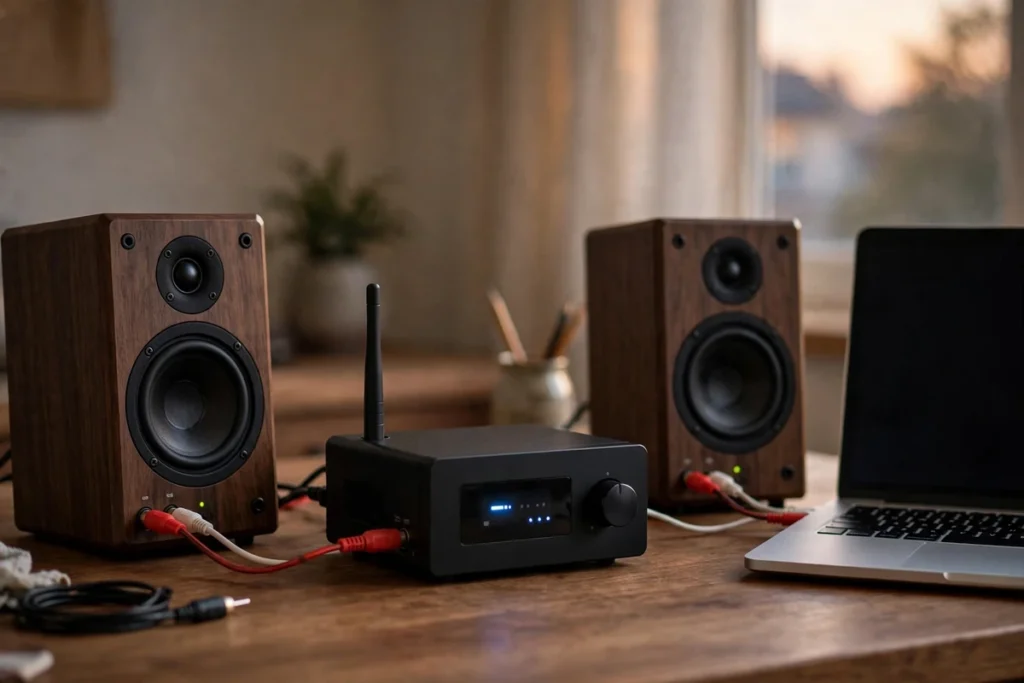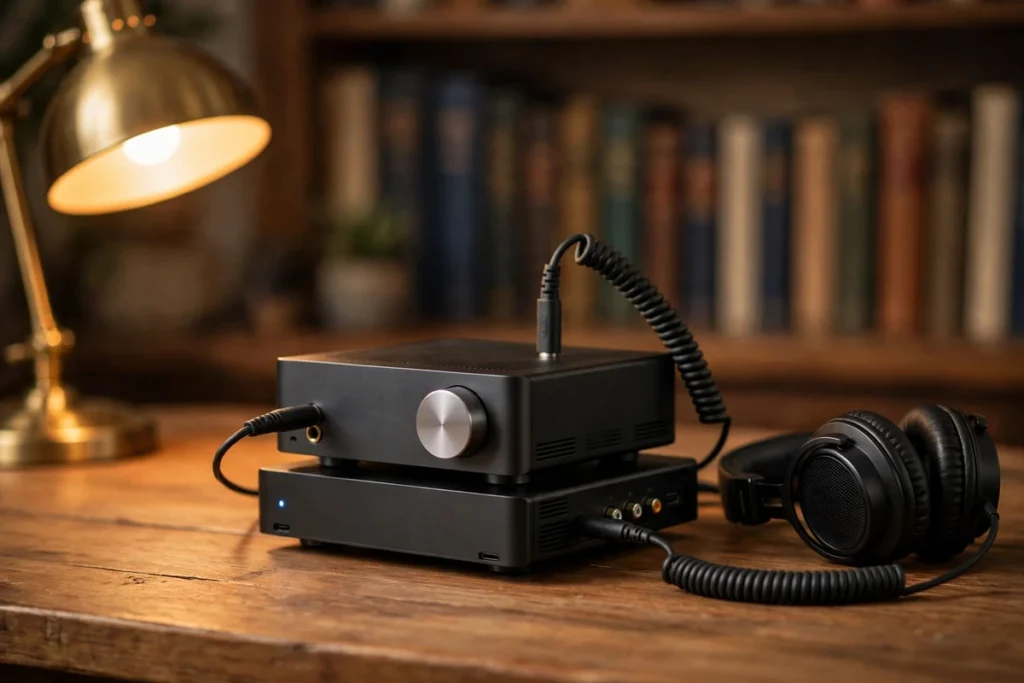
Most DAC disappointment is not a faulty DAC. It is a good converter wired into a chain that fights it: levels set in the wrong order, two amplifiers stacked by accident, a computer resampling the music before the DAC ever sees it. These are the 7 mistakes to avoid with a DAC that we see most often, each with the fix that takes minutes. None of them needs new hardware. Work through the list in order, because the early mistakes hide the later ones, and a chain that hisses or clips at step one cannot tell you anything honest about step five.
Mistake 1: Running the source low and the amplifier flat out
Gain staging is the order you set levels in, and the common error is backwards: the player or DAC sits at a low volume while the amplifier works at its maximum to compensate. That arrangement amplifies the noise floor along with the music, so quiet passages hiss and the amplifier runs near its least clean region. The fix is one habit. Set the source and the DAC high, or to fixed line level where the option exists, and control listening volume at the last stage in the chain, the amplifier or the powered speakers. One knob in charge, everything upstream strong.
Mistake 2: Double-amping without realising it
Plug a DAC with a headphone output into a headphone amplifier and you have built two amplifiers in a row. The second one raises everything the first produced, including its noise and distortion, and a hot first stage can overload the second one’s input. The fix is to feed amplifiers from a line output, which is a fixed, amplifier-free signal, or to send the digital signal onward and let one DAC do the conversion. If a dongle into an amplifier is your only route, set the dongle volume high and control level at the amplifier, which keeps the compromise small.
Mistake 3: Using the wrong output and the wrong mode
DACs ship with settings that quietly undo them: a variable output left at half level, a headphone socket used where a line output sits beside it, sound enhancements and spatial effects switched on in the operating system, a Bluetooth feed used for critical listening. Each one puts processing between the file and your ears. The fix is a five-minute audit. Line output to the amplifier, fixed level, enhancements off, and a wired digital connection, USB or optical, for the sessions where you are actually judging sound. Our roundup of the best DACs notes which models make these settings easy to reach.
Mistake 4: Letting the computer resample everything
Set a DAC to its maximum sample rate and most computers respond by converting every track up to that rate before sending it, which is a processing step performed by software that was not built for care. The music was recorded at a specific rate, usually 44.1 kHz, and the clean path is to hand it over unchanged. The fix is exclusive mode in your player, which gives the application direct control of the DAC and switches rates track by track. No exclusive mode available? Set the system rate to match your library’s majority rate and leave it there.
Mistake 5: Buying for specification numbers alone
DAC marketing runs on decimal places: ever higher signal-to-noise figures, ever more exotic chips. Past a modest level of measured competence, those numbers describe differences no listener can hear in a chain with real rooms, real amplifiers and real recordings, while the things that do matter get skipped: enough output for your headphones, the inputs you actually own, and sane gain. The fix is to shop from the headphone backwards. Our guide to headphone amp DAC combos starts from the load each unit can drive, which is the order that produces good systems.
Mistake 6: Ignoring output impedance
An amplifier or DAC-amp output has an impedance of its own, and a high one reshapes the sound of low-impedance headphones, usually by lifting the bass where the headphone’s impedance curve peaks. The result gets blamed on the headphone or the DAC chip when it is really a mismatch. The working rule is a ratio of eight to one: the headphone’s impedance should be at least eight times the output impedance of what drives it. Check both figures before buying, and read our explainer on impedance and whether you need an amp for the reasoning in plain terms.
Mistake 7: Blaming the DAC for hum and USB noise
A steady hum or a whine that follows your mouse movements is rarely the DAC’s fault. It is usually a ground loop or noise travelling up the USB connection from the computer, and a new DAC plugged into the same port will sing the same song. The fix is to break the path: try an optical input, which carries no electrical connection, move the DAC to a different power outlet from the computer, or use a balanced connection where your chain offers one. Diagnose first, with the DAC fed from a phone or a battery-powered source. Silence there convicts the computer, not the converter.
Headphones that reward a clean chain
Fix the seven mistakes above and the headphones below are the kind that show you the difference, because each one exposes a specific fault when the chain is dirty and pays it back when the chain is clean.


The short version
Set levels from the source down, one amplifier in the chain, line output at fixed level, the file’s own sample rate, specifications read after power and inputs, impedance matched, and noise diagnosed before it is blamed. Do those seven things in order and the DAC you already own is probably the DAC you needed all along, because most chains fail on setup long before they fail on hardware. If you are pairing the classic 300-ohm load, our guide to the best DAC amp combo for the HD 600 covers proven combinations.
Frequently asked questions
What volume should a DAC be set to when it feeds an amplifier?
Full, or fixed line level, with the listening volume controlled at the amplifier. That arrangement keeps the signal strong against the noise floor through the whole chain and leaves one knob in charge. If your DAC offers a fixed output mode, use it. If it only has a variable output, set it high and resist adjusting it daily; small exceptions for very sensitive headphones are fine and audible problems are rare.
Is double-amping always a disaster?
Not a disaster, a compromise. Running a dongle DAC into a desktop amplifier is a common and workable setup, and with the dongle set high it can sound clean. What double-amping can never do is improve on the first stage: its noise and distortion are already in the signal, and the second amplifier raises them along with the music. A true line output or a digital feed into the DAC is the cleaner route whenever the hardware allows it.
Will a better DAC fix headphones I do not like?
No. A DAC converts a digital file into an analogue signal, and a competent one does it transparently. It cannot add bass a headphone lacks, remove a treble peak, or repair a poor recording, and a chain upgrade that promises those things is selling you the wrong fix. Correct the headphone with EQ or a different headphone; use the DAC to stop the source being the weakest link.
What sample rate should I set my DAC to?
The rate of the music, which for most libraries means 44.1 kHz, with films and video usually at 48 kHz. Exclusive mode in your player hands the DAC the file’s own rate automatically, which is the tidy solution. Forcing everything to the highest rate the DAC accepts makes the operating system resample the music first, adding a conversion step and removing the benefit you were chasing.

I am the founder of Sound Mavericks, where I provide the polite truth about audio equipment. I started this site because consumer electronics reviews are often too technical. Instead of using a silent lab, I test headphones, earbuds, and Bluetooth speakers in the real world – like on a noisy subway or in a busy coffee shop.
To stay independent, I buy my own review units (mostly from the United States) rather than accepting free gifts from brands. Once I finish testing a product, I sell it locally to our community. My goal is to help you understand sound quality, active noise cancellation (ANC), and battery life without the marketing hype.