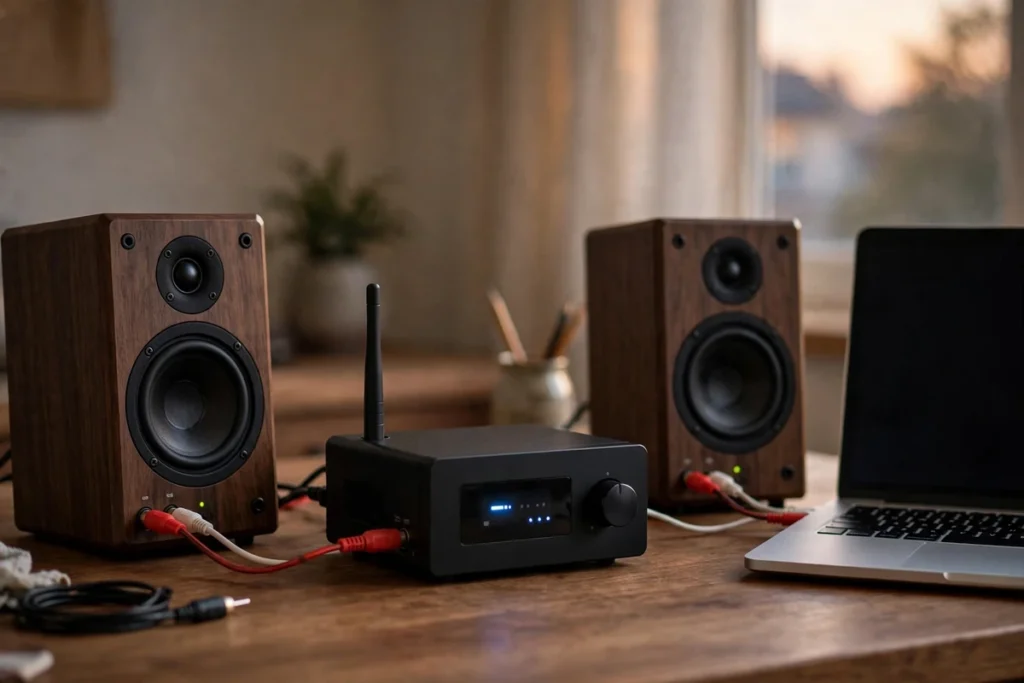
This fiio k11 review covers FiiO’s compact desktop DAC and headphone amplifier, the standard model built around a Cirrus Logic CS43198 converter. It is not the K11 R2R, a different and pricier resistor-ladder model that shares the name and the shell style. The standard K11 pairs that chip with a balanced amplifier rated at 1,400mW per channel into 32 ohms, three digital inputs, a proper volume knob and a VA display, in an aluminium box that takes up less desk than a paperback.
A note on how this review was put together. It is a research review, built from FiiO’s published specifications, the verified Amazon US listing and independent review coverage. We have not had a unit on the desk, so there is no hands-on claim anywhere on this page, and there is no score. We do not score source gear from a spec sheet.

Why you: you want one small box that ends the desktop audio question. The balanced output drives almost any home headphone, USB, coaxial and optical inputs cover a computer, a console and a TV, and the display tells you format, volume and gain at a glance.
Trade-off: there is no Bluetooth and no remote, and the unit needs its 12V wall adapter, so it lives on a desk and stays there. Very sensitive IEMs are not its home turf either, with hiss reported on one filter setting by some owners.
FiiO K11 specifications
| Spec | FiiO K11 |
|---|---|
| DAC chipset | Cirrus Logic CS43198 |
| Amplifier | Dual SGM8262-2 |
| Formats (USB) | PCM up to 384kHz/32-bit, native DSD256 |
| Formats (coaxial / optical) | Up to 192kHz/24-bit coaxial, 96kHz/24-bit optical |
| Inputs | USB-C, coaxial, optical |
| Headphone outputs | 6.35mm single-ended and 4.4mm balanced |
| Output power (balanced) | 1,400mW per channel into 32 ohms; 250mW into 300 ohms |
| Output power (single-ended) | 520mW per channel into 32 ohms; 60mW into 300 ohms |
| Other outputs | RCA line-out (2Vrms) and coaxial output |
| SNR | 123 dB or better (A-weighted, headphone output) |
| Output impedance | Under 1.2 ohms single-ended, under 2.4 ohms balanced |
| Gain | Three levels |
| Display | VA display: sample rate, volume, gain, output mode |
| Power | External 12V adapter |
| Dimensions / weight | 147 x 133 x 32.3 mm, about 407 g |
Why this box keeps winning its class
The K11’s reputation rests on a simple observation: at its level, it publishes more clean power than anything near it. The balanced output’s 1,400mW per channel into 32 ohms is the figure reviewers keep returning to, because it moves the K11 out of the easy-headphones-only class and into genuine all-rounder territory. An independent bench test put its distortion performance around the level FiiO claims and confirmed the output figures, which is rarer in this price band than it should be.
The sound character reported across reviews is neutral and uncoloured. That is the correct target for a DAC amp: it should hand your headphones their own character, not impose one. Owners upgrading from a motherboard output or a basic dongle consistently describe the same first impression, a quieter background and proper headroom, rather than a new flavour. Our guide to the best headphone amp DAC combos places the K11 in exactly that role.
Inputs, outputs and the display
Three inputs is the right count for a desk. USB-C serves the computer, optical takes the television or a console, and coaxial covers the disc players and streamers that still use it. On the front, the 6.35mm socket serves standard cables and the 4.4mm balanced socket serves the growing share of headphones and IEMs wired that way. Round the back, the RCA line-out feeds powered speakers or a separate amplifier at a proper 2Vrms, so the K11 can anchor a small speaker setup as well as a headphone one.
The VA display is a small thing that earns its place daily. Sample rate, volume, gain and output mode are visible at a glance, which removes the guesswork that knob-only rivals leave you with. Three gain levels and switchable volume curves let the single knob behave sensibly with both a sensitive IEM and a 300-ohm headphone. The whole unit runs from a 12V wall adapter rather than USB power, which is part of how the output figures are achieved.
The IEM caveat, stated plainly
Reviewer consensus agrees on one asterisk. With full-size headphones the background is silent. With very sensitive in-ear monitors, some owners hear hiss tied to the non-oversampling filter setting, and some Windows users hear a soft pop when playback pauses, a driver behaviour rather than a hardware fault. Both have workarounds: a standard filter setting and low gain. But a buyer whose main listening is delicate IEMs at a desk should know the point before ordering, and a portable dongle may suit that use better. Our best DAC amp combo for HD 600 guide shows the K11 in its strongest role, driving full-size headphones like Sennheiser’s classic, covered in our Sennheiser HD 600 review.
Standard K11 or K11 R2R?
The shared name causes real confusion, so here it is plainly. This review covers the standard K11: a CS43198 delta-sigma design, the model in the listing linked on this page. The K11 R2R replaces the converter chip with FiiO’s own resistor-ladder array, adds oversampling and non-oversampling modes, and costs more. Listings for the two sit side by side in search results, and the R2R’s ASIN is a different product. If a listing mentions R2R or a ladder DAC, it is the other model, with its own character and its own buyer. Neither is a wrong answer; they are different answers at different prices, and this page’s figures belong to the standard model only. The wider desktop field is compared in our best DACs guide.
Set up and daily use
Setup is the ordinary desktop routine: adapter into the wall, USB into the computer, headphones into the front. Input switching and gain sit on the front panel with the display confirming each change, and the volume knob is a real knob with a proper sweep rather than stepped buttons. That sounds like a small thing until you have lived with a dongle’s click-steps at a desk. Owners running a television through the optical input should note the set behaves as a fixed listening station: no remote control is included, so the television’s own volume handling or the knob does the work. In a desk-first setup, which is the setup this unit is designed for, none of that registers as a hardship.
Verdict
The K11 makes sense for the listener who wants a compact, honest desktop DAC amp with balanced power to spare and inputs for the whole desk. Buy it for full-size headphones and a computer-first setup. Skip it if you need Bluetooth, a battery, a remote, or a unit tuned for the most sensitive IEMs, because it offers none of those and does not pretend to.
Frequently asked questions
Is this the standard FiiO K11 or the K11 R2R?
The standard K11, built around a Cirrus Logic CS43198 converter chip. The K11 R2R is a separate, pricier model that swaps the chip for a resistor-ladder DAC and adds NOS and OS modes. The two share a chassis style and a name, so check the listing title carefully before buying.
How much power does the FiiO K11 deliver?
FiiO rates the 4.4mm balanced output at 1,400mW per channel into 32 ohms and 250mW into 300 ohms, and the 6.35mm single-ended output at 520mW per channel into 32 ohms and 60mW into 300 ohms, all on high gain. That covers the large majority of home headphones.
What inputs and outputs does the K11 have?
USB-C, coaxial and optical inputs cover computers, consoles and televisions. Outputs are a 6.35mm single-ended and a 4.4mm balanced headphone socket, an RCA line-out for powered speakers or a separate amplifier, and a coaxial output. The RCA line-out reaches 2Vrms.
Can the FiiO K11 drive demanding headphones?
Yes, within the desktop mainstream. The balanced output’s 1,400mW at 32 ohms and 250mW at 300 ohms handle high-impedance dynamics and most planar magnetics with headroom. Three gain levels let you match the output to the headphone rather than living at the bottom of the volume range.
Does the K11 work with sensitive IEMs?
It can, with a caveat reviewers agree on. The background is silent with full-size headphones, but very sensitive in-ear monitors can reveal hiss on the non-oversampling filter setting and a soft pop on some Windows setups when playback pauses. Low gain and a standard filter setting avoid both in most reports.

I am the founder of Sound Mavericks, where I provide the polite truth about audio equipment. I started this site because consumer electronics reviews are often too technical. Instead of using a silent lab, I test headphones, earbuds, and Bluetooth speakers in the real world – like on a noisy subway or in a busy coffee shop.
To stay independent, I buy my own review units (mostly from the United States) rather than accepting free gifts from brands. Once I finish testing a product, I sell it locally to our community. My goal is to help you understand sound quality, active noise cancellation (ANC), and battery life without the marketing hype.