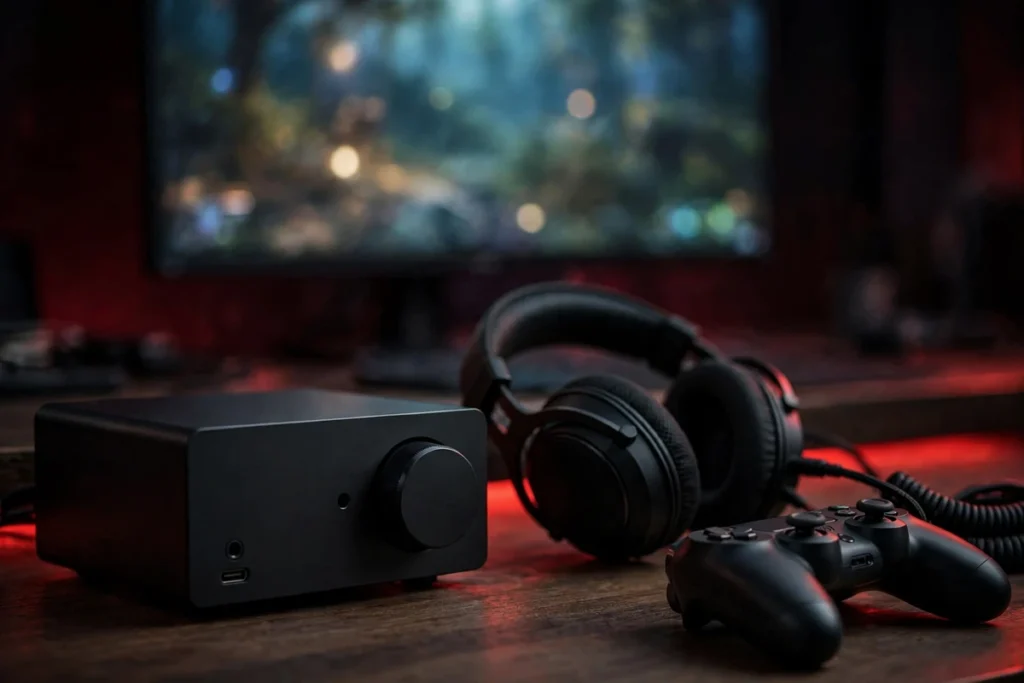
Most DAC amp roundups rank boxes by DAC chip and output power, then call the winner a gaming pick. That skips what gaming asks of the hardware. If a unit has no microphone input, your headset mic has nowhere to go. If a console refuses its USB audio, it is a PC accessory whatever the product page claims. So this guide applies the gaming filter: a real mic path, honest console support, game and chat balance, and sidetone where the hardware offers it.
This is the gaming shortlist spun out of our best headphone amp DAC combos guide, which ranks desktop combos for music first. Two picks carry over; the other four were built for headsets and party chat. Scores come from manufacturer specifications, verified Amazon US listings and published review consensus. Nothing here was tested hands-on.
Best Overall: Fosi Audio K7

Fosi Audio K7 8.6/10
Why you: you play on PC and console and want the strongest all-round box: real power for demanding headphones, a mic input, and Bluetooth for your phone.
Trade-off: there is no chat-mix dial, so game and voice balance is set in console or PC settings, not on the unit.
AK4493S · PCM 384kHz/32-bit + DSD256 · 3.5mm mic in · USB-C / optical / coax / Bluetooth
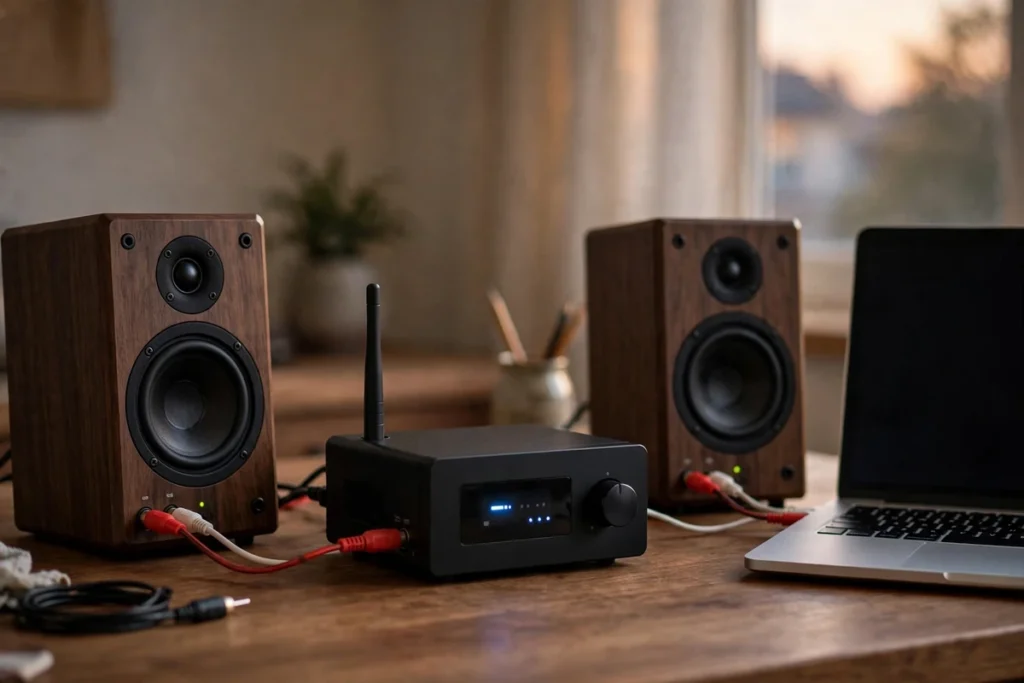
The K7 is the gaming pick from our combos guide, and its 8.6 score carries over unchanged. It stays on top because it pairs serious headphone power with a proper microphone input and a Bluetooth input for the phone on your desk. The hardware is hi-fi grade: an AKM AK4493S DAC, an XMOS XU208 USB processor and TPA6120 amplifier chips, decoding PCM up to 384kHz/32-bit plus DSD256.
Fosi builds console support in through switchable USB audio modes, with PS5 and Switch desks covered alongside the PC. The 3.5mm mic input handles a headset microphone over USB. What it lacks is a chat-mix dial: game and voice levels are set in the console or PC settings. The card’s category scores are this guide’s own gaming assessment; the overall is copied from our earlier coverage.
The Four Tests Every Pick Here Had to Pass
A microphone input. A separate 3.5mm mic jack, a combined headset jack, or a built-in microphone. Without one, a DAC amp improves what you hear and does nothing for what your squad hears. This test alone removes most music-first combos, including strong units in our general guide.
Console support that survives the small print. The PS5 accepts standard USB audio devices, which is why most picks here work with it over USB. Xbox is stricter: its consoles limit USB audio, so support claims need a source, not a bullet point on a marketplace listing. Where a maker states a limit, this guide repeats it. Optical on older Xbox consoles carries game audio only, never the microphone.
Game and chat balance. The best version is a physical control, like the EPOS chat wheel or the G6’s PlayStation chat mix over optical. App and console-level controls work, but they cost a menu dive mid-match.
Sidetone and power. Sidetone keeps you from shouting through a long session, and only two picks here do it in hardware. Power still matters: a unit that cannot drive your headphones is a poor pick at any feature count, so check the impedance figures against our guide to impedance and when you need an amp.
The Six Picks Compared
| DAC Amp | Microphone | Works With | Chat Mix | Score | Price |
|---|---|---|---|---|---|
| Fosi Audio K7 | 3.5mm mic in | PC, PS5, PS4, Switch | In console / PC settings | 8.6/10 | Check Price |
| Creative Sound BlasterX G6 | Mic jack + headset jack | PC, Mac, PS5, PS4, Switch | GameVoice Mix (PlayStation, optical) | 8.5/10 | Check Price |
| FiiO QX11 | Built-in mic + in-line mic | PC, Mac, phones, Switch | In game / host settings | 8.3/10 | Check Price |
| Creative Sound Blaster X4 | Mic in + headset in | PC, Mac, PS5, PS4, Switch | Creative app (PC / Mac) | 8.3/10 | Check Price |
| EPOS GSX 1000 2nd Edition | 3.5mm mic in | PC, Mac only | Dedicated chat wheel | 7.9/10 | Check Price |
| Fosi Audio K5 Pro | 3.5mm mic in (USB mode) | PC, Mac, PS5, PS4, Switch | None | 7.6/10 | Check Price |
Best for PlayStation Chat Mix: Creative Sound BlasterX G6

Creative Sound BlasterX G6 8.5/10
Why you: you play on PlayStation or PC and want hardware sidetone plus a real chat balance path, backed by the strongest DAC numbers in this group.
Trade-off: the chat mix on PlayStation runs through the optical feed, and on Xbox you get game audio only, no voice path at all.
32-bit/384kHz DAC · 130 dB dynamic range · Xamp headphone amp · Dolby Digital · Sidetone · Scout Mode
The G6 has been Creative’s gaming answer for years, and the spec sheet still holds up: a 32-bit/384kHz DAC with a 130 dB dynamic range and the Xamp discrete headphone amplifier, driving each channel separately. Dolby Digital decoding and virtual 7.1 cover the game side, and Scout Mode pulls footsteps forward in the mix.
What earns it this slot is the chat tooling: a dedicated mic jack alongside the headset jack, hardware sidetone, and GameVoice Mix on PlayStation, balancing game and chat over an optical feed. Creative’s platform notes are the honesty this category should copy: the G6 works with PC, Mac, PS4, PS5 and Switch, and on Xbox One it delivers game audio while voice communications are not supported.
Best Portable: FiiO QX11

FiiO QX11 8.3/10
Why you: you game on a phone, a Switch or a laptop and want a dongle with its own microphone, so even a mic-less headphone becomes a headset.
Trade-off: chat balance and EQ live in the app and the host device, not on the unit, and the tiny body has no chat-mix control.
Dual ES9069Q · Built-in mic, AI noise reduction · Gaming Mode 48kHz · 800mW + 800mW balanced · 36 g
The QX11 is the odd one out here, a 36-gram USB-C dongle rather than a desk box, and it makes the list on the strength of its microphone. It has a built-in mic with AI noise reduction, and it also accepts an in-line cable microphone, so a mic-less audiophile headphone becomes a working headset. This guide scores it provisionally for the first time, from FiiO’s published specifications and listing data.
Its Gaming Mode runs at 48kHz/16- or 24-bit with no driver to install, with EQ profiles named for game genres: FPS, ACT, MOBA and MUG. The dual ES9069Q DACs post real hi-fi numbers for a dongle, up to 800mW + 800mW balanced at 32 ohms in desktop mode, and a 10-band parametric EQ sits in FiiO’s app. It belongs with a phone, a laptop or a Switch, the territory of our best portable DACs and dongles picks.
Best Desktop Hub: Creative Sound Blaster X4

Creative Sound Blaster X4 8.3/10
Why you: your desk runs a PC, a console and speakers, and you want one hub with separate mic and headset jacks, call noise reduction and a mic mute button.
Trade-off: the deeper controls sit in the Creative app on PC and Mac, so console sessions get a plainer X4.
24-bit/192kHz · 114 dB dynamic range · 7.1 discrete + virtual · Super X-Fi · SmartComms Kit · Optical in/out
The X4 is the biggest box here, aimed at a desk that does everything. It outputs up to 7.1 discrete channels for speakers and virtual 7.1 for headphones. Playback runs to 24-bit/192kHz with a 114 dB dynamic range, and the amplifier drives headphones from 32 to 600 ohms.
For chat, the X4 gives you separate mic-in and headset-in jacks, optical in and out for a console feed, and the SmartComms Kit: noise reduction on your outgoing voice and a physical mic mute button. Creative lists Windows, Mac, PS5, PS4 and Switch as supported platforms. Chat balance and the deeper settings live in the Creative app on PC and Mac, so a console setup gets a simpler X4 than a PC setup does.
Best PC Chat Controls: EPOS GSX 1000 2nd Edition

EPOS GSX 1000 2nd Edition 7.9/10
Why you: you play on PC or Mac only and want the best physical controls here: separate wheels for game and chat volume, plus sidetone on the touch panel.
Trade-off: there is no console support of any kind, and the amp is rated for easy headsets: EPOS recommends 16 to 50 ohm headphones.
7.1 virtual surround · Separate game/chat wheels · Sidetone, 3 levels · 4 EQ presets · PC / Mac only
Start with the limit, because it decides everything about this pick: the GSX 1000 2nd Edition is for Windows and Mac, with no console support. Within PC gaming, though, it has the control layout the rest of this list should envy. Game and chat audio arrive as separate streams with separate volume wheels, so balancing a loud match against a quiet teammate is one reach, not a menu.
The touch panel handles the rest: sidetone at three levels, four EQ presets, a 7.1 or stereo toggle, and one-touch switching between headset and speaker output. The microphone path runs at 48kHz/16-bit. The weak point is power: EPOS recommends headphones between 16 and 50 ohms, which covers gaming headsets and leaves hard-to-drive models to the K7 or the G6. Buy it for the controls, not the amplifier.
Budget Pick: Fosi Audio K5 Pro

Fosi Audio K5 Pro 7.6/10
Why you: you want the cheapest honest route to a mic input and cleaner console audio, with bass and treble knobs you can reach mid-game.
Trade-off: no chat mix and no sidetone, the mic works in USB mode only, and Fosi states that Xbox Series consoles are not supported.
USB 24-bit/96kHz · 3.5mm mic in (USB mode) · Drives 16–300 ohm · Bass / treble knobs · USB-C / optical / coax
The K5 Pro is the cheapest way into this category that still passes the filter, and it carries over from our combos guide as the budget gaming option. Fosi’s manual is unusually clear about what it does. The 3.5mm microphone input works in USB mode. Switch to optical or coaxial and the mic stops working, full stop. USB playback runs to 24-bit/96kHz, the amplifier drives 16 to 300 ohm headphones, and bass and treble knobs sit next to the volume control.
The console notes matter at this price, because cheap listings overclaim. Fosi states that the K5 Pro does not support the Xbox Series X or S, since those consoles do not accept standard USB audio, and that an Xbox One can connect over optical for audio output only, with no microphone. On PS5, the manual says to use the USB-C to USB-C connection in the front port. You get a clean mic input, honest console audio and tone knobs, a fair trade at the bottom of the market.
The Xbox Problem, Stated Plainly
Xbox is where gaming DAC amp marketing gets loose, so here is the short version. Xbox consoles restrict USB audio to devices built for the platform. None of the six picks here gives you USB game sound and voice chat on an Xbox Series X|S, and any listing suggesting otherwise is wrong. ASTRO sells separate PlayStation and Xbox MixAmp versions for this reason. The standalone Amazon US listing we could verify for the MixAmp is the older PS4 unit, so it is not ranked here. If Xbox chat is your priority, shop for a headset amp that names Xbox licensing on the box, and check the claim against the maker’s support pages first. Our PS5 headphone guide applies the same habit on the PlayStation side.
How These Scores Were Built
Every score here is research-based, from manufacturer specification pages, product manuals, verified Amazon US listings and published review consensus. The Fosi Audio K7’s overall 8.6 is copied from our combos guide. The category bars on every card, and the overall scores for the other five picks, are provisional ratings built for this guide’s gaming filter, weighted toward microphone quality, console support and chat controls. For music first, the parent combos guide ranks the wider field.
Frequently Asked Questions
Does a gaming DAC amp actually sound better than a controller jack or motherboard audio?
Usually, yes: less hiss, cleaner power for harder-to-drive headphones, and a microphone path that does not share a noisy board with the graphics card. The bigger daily gains are the controls. A mic input, a reachable volume knob and chat balance fix problems raw sound quality never touches.
Why does the microphone input matter so much?
Without one, a DAC amp is a one-way device. It feeds your headphones, but your headset microphone plugs in somewhere else, usually a controller or a motherboard jack with weaker gain and more noise. Every pick here accepts a microphone directly, which our general combos guide does not require.
Can any of these give me game and chat audio on an Xbox Series X|S?
No. Xbox consoles restrict USB audio, and none of these six units provides USB game sound and voice chat on a Series X|S. Fosi states this outright for the K5 Pro, and Creative limits the G6 to game audio on Xbox One, voice not supported. For Xbox chat over USB, you need a model built and licensed for Xbox.
What is sidetone, and which picks have it?
Sidetone feeds a little of your own voice back into your headphones so you stop shouting into a sealed headset. The Sound BlasterX G6 and the EPOS GSX 1000 2nd Edition do it in hardware. The other picks rely on console, PC or game settings for mic monitoring, which varies by platform.
Which of these picks work with the PS5?
The Fosi Audio K7, Sound BlasterX G6 and Sound Blaster X4 all connect to a PS5 over USB. The Fosi K5 Pro does too, with a catch from its manual: use the cable’s USB-C end in the console’s front port, because the USB-A end will not power it up. The FiiO QX11 is the pick for phones, PCs and the Switch rather than the PS5.

I am the founder of Sound Mavericks, where I provide the polite truth about audio equipment. I started this site because consumer electronics reviews are often too technical. Instead of using a silent lab, I test headphones, earbuds, and Bluetooth speakers in the real world – like on a noisy subway or in a busy coffee shop.
To stay independent, I buy my own review units (mostly from the United States) rather than accepting free gifts from brands. Once I finish testing a product, I sell it locally to our community. My goal is to help you understand sound quality, active noise cancellation (ANC), and battery life without the marketing hype.