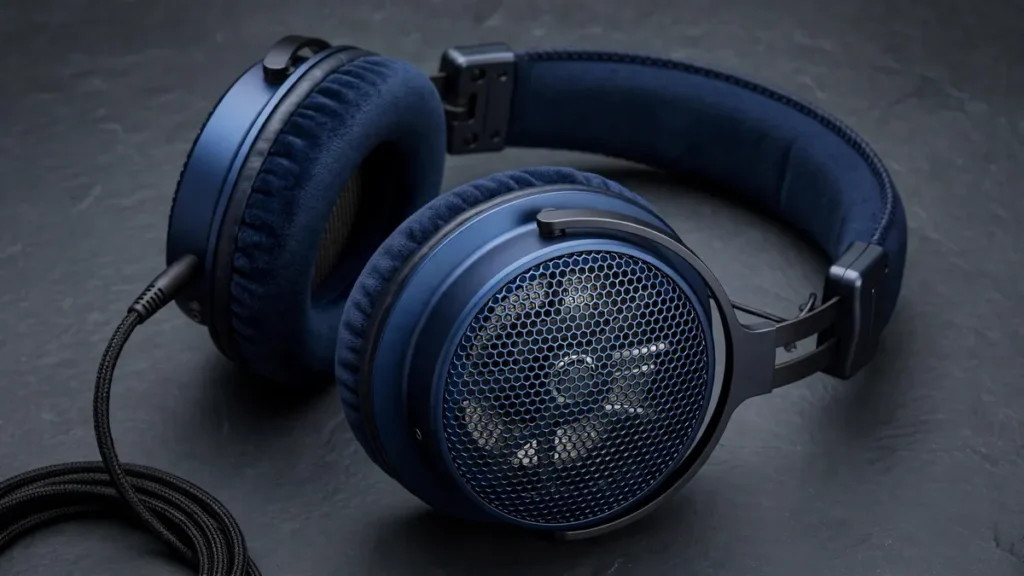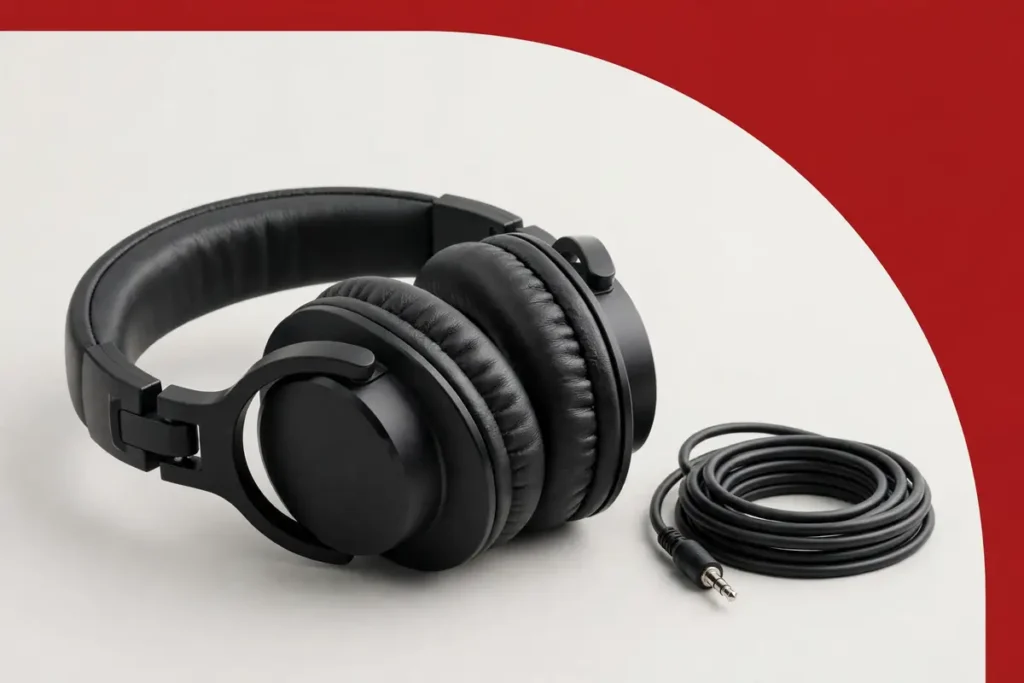
This OneOdio Studio Max 2 review covers the follow-up to the headphone that made wireless DJ cueing plausible. The recipe carries over: a transmitter link with latency low enough to beat-match by ear, Bluetooth battery life measured in weeks, and LDAC for listening. The numbers moved, though. The link is now rated at 9ms, the driver is a 45mm PET unit, Bluetooth steps up to 6.0, and the battery holds at a rated 120 hours in Bluetooth mode and 60 hours through the transmitter. Two facts belong at the top. There is still no active noise cancelling, whatever the studio marketing around it implies. And at 353 grams this is a heavier headphone than the one it replaces. Our provisional scores put battery at 9.6 and the overall at 7.1.
A note on method. This is a research-based review, built from OneOdio’s published specifications, the verified Amazon US listing for this exact model and launch coverage from the specialist press. The US listing for ASIN B0GTVQXM3C was confirmed against Amazon’s own listing data, and the score set is a provisional assessment made for this review, since the model is not yet held in our headphone database. Where sloppy retail copy conflicts with the brand figures, we follow the brand: the driver is 45mm, not the 50mm some listings print, and the radio is Bluetooth 6.0. Nothing here is presented as hands-on lab testing.

OneOdio Studio Max 2 7.1/10
Why you: you DJ, play keys or monitor recordings and want to lose the cable. The 9ms transmitter link makes wireless cueing work, Bluetooth runs a rated 120 hours, and LDAC keeps listening quality up between sessions.
Trade-off: no active noise cancelling, only passive isolation, and 353 grams is a lot of headphone. Calls at 6.8 are a supporting feature, not a reason to buy.
120 h Bluetooth · Bluetooth 6.0 · LDAC · 45 mm driver · 353 g
Sound quality
Sound scores 7.8. The driver changed in the update: a 45mm dynamic unit with a Japanese PET diaphragm replaces the larger 50mm driver in the first model, and the tuning keeps the Hi-Res, studio-leaning brief, with enough low-end weight for DJ work and a midrange that keeps monitoring detail readable. Launch coverage has been positive about the balance OneOdio struck here: it sounds like a studio headphone first and a consumer headphone second, which is the right priority for the name on the box.
LDAC support over Bluetooth 6.0 means the wireless path is not the bottleneck. From a compatible Android phone or player, streamed detail survives intact, and AAC and SBC cover everything else. For critical work the wired connections remain the reference route, and the Max 2 keeps both studio standards on board: 3.5mm for controllers and phones, 6.35mm for mixers and keyboards, no adapter hunt required.
The 9ms transmitter link
This link is the reason the model exists. Ordinary Bluetooth latency makes cueing, beat-matching and playing an instrument over wireless a non-starter. The Studio Max 2 pairs with a 2.4GHz transmitter that plugs into DJ controllers, mixers, guitars, keyboards and other gear and holds latency to around 9ms, less than half the figure of the model it replaces. At that level the delay stops being something you compensate for and becomes something you forget.
The battery cost of the link is honest and still generous: 60 hours in transmitter mode, against 120 hours over Bluetooth. In practical terms the transmitter lives at your controller or keyboard and the headphones stay on your head; you can step away, talk to the room, dig through a bag, and the cue feed is in your ears when you come back. Streamers and gamers chasing low latency will find the same trick useful, which is why this headphone also earns a look in our best wireless gaming headsets coverage, even though it wears no gaming branding at all.
Studio Max 2 vs Studio Max 1
The update is an evolution, and the honest summary is that the Max 2 sharpens the link and the radio while keeping the formula. Bluetooth moves from 5.3 to 6.0, latency drops from around 20ms to 9ms, and the driver trades 50mm for a 45mm PET unit. The 120-hour Bluetooth battery figure carries over unchanged. Weight moves the wrong way, from 330 grams to 353, and our provisional overall of 7.1 sits just below the 7.5 we gave the original, on a stricter read of call quality and that extra weight.
If you own the first model, nothing here forces an upgrade unless the faster link matters to your playing or cueing. If you are buying fresh, the Max 2 is the one to get, and our OneOdio Studio Max 1 review has the full picture on the older model, which remains a fine buy while stock lasts.
Noise cancelling: there is none
This section exists because the marketing dances around it. The Studio Max 2 has no active noise cancelling. What it has is passive isolation from closed-back earcups, which takes the edge off a room and scores 3.2 on our card, plus a monitoring passthrough mode that deliberately lets outside sound in so you can hear your surroundings or your own instrument acoustically. That mode is the opposite of cancelling, and any listing that blurs the two is selling a feature this headphone does not have.
For the intended uses the omission is defensible: booths, studios and practice rooms are not places where cancelling earns its keep, and leaving it out is part of how the battery figure happens. Commuters and open-plan workers should look elsewhere; passive isolation will not quiet a train.
Calls and microphones
Calls score 6.8. The microphone keeps your voice clear and forward in ordinary indoor conditions, which covers calls at a desk, between sets or from a practice room. It is a supporting feature rather than a headline one: this headphone was built to put music in your ears at very low latency, not to anchor a day of meetings, and wind or heavy traffic will push the mic around. For the DJs, producers and players this model targets, that trade is the right way round.
Design, comfort and build
Comfort scores 7.0, and the number it carries is 353 grams. That is heavy for a headphone you might wear through a long set or session, and it is the Max 2’s clearest regression. Padding is generous and the closed-back cups are shaped for monitoring work, including the single-ear listening DJs rely on, but there is no hiding the mass over hours. Shorter sessions will not notice it; marathon ones will.
The rest of the design brief is functional: a folding studio frame, controls on the cups, wired and wireless paths that all work without a phone app mediating them. One warning from the research: a signed limited edition of this model exists in small numbers at a higher price. The standard Studio Max 2 is the review subject and the one to buy; the hardware is the same job either way.
Battery life
Battery scores 9.6. The Bluetooth rating of up to 120 hours is weeks of listening between charges, and even the transmitter mode’s 60 hours outlasts most headphones’ standard mode several times over. Figures like these change behaviour: charging stops being a routine and the headphones are simply always ready, which matters in live work where a flat battery is not an inconvenience but a stopped set. The wired connection remains the final fallback, and between Bluetooth, the transmitter and the cable, the Max 2 covers three ways of working.
That endurance, plus the transmitter trick, is what earns the Studio Max line its place in our best studio headphones coverage, where most rivals are wired only. The Max 2 is the wireless option that does not ask studio users to accept studio compromises.
OneOdio Studio Max 2 specs
| Spec | OneOdio Studio Max 2 |
|---|---|
| Driver | 45mm dynamic, Japanese PET diaphragm |
| Noise cancelling | None. Passive closed-back isolation; monitoring passthrough mode only |
| Battery | Up to 120 hours (Bluetooth); up to 60 hours (2.4GHz transmitter mode) |
| Low-latency link | 2.4GHz transmitter for DJ and studio gear, around 9ms latency |
| Codecs | LDAC, AAC, SBC |
| Bluetooth | 6.0 |
| Weight | 353 g |
| Extras | Wired connections over 3.5mm and 6.35mm, folding studio frame |
Verdict
Buy the OneOdio Studio Max 2 if you work or play with music and the cable is your last remaining problem. The combination stays close to unique in its class: a 9ms wireless link you can actually cue and play through, a battery measured in weeks, LDAC for listening and both studio jack sizes in the box, at a value score of 8.0. It refines the Max 1 formula rather than reinventing it, and the formula was already good.
Skip it if you need noise cancelling, if calls are your main use, or if 353 grams sounds like a long-session burden. Those buyers are served elsewhere. For DJs, keyboard players, producers and streamers who measure headphones by latency and endurance, the Studio Max 2 is the current pick of its line.
Frequently asked questions
Does the OneOdio Studio Max 2 have noise cancelling?
No. There is no active noise cancelling. Isolation is passive, from the closed-back earcups, and the extra listening mode is a monitoring passthrough that lets outside sound in on purpose, the opposite of cancelling. Listings that imply ANC for this model are wrong.
How long does the OneOdio Studio Max 2 battery last?
OneOdio rates the Studio Max 2 at up to 120 hours in Bluetooth mode. In the 2.4GHz low-latency transmitter mode the figure is 60 hours, which is still several weeks of gigs or studio sessions between charges.
What is the 9ms mode on the Studio Max 2 for?
The headphone pairs with a wireless transmitter that plugs into DJ controllers, mixers, keyboards and other gear, cutting latency to around 9ms. That makes wireless cueing and monitoring workable, where ordinary Bluetooth delay rules it out.
How is the Studio Max 2 different from the Studio Max 1?
The Max 2 moves to Bluetooth 6.0, a 45mm PET driver and a 9ms transmitter link, against the Max 1’s Bluetooth 5.3, 50mm driver and roughly 20ms link. The 120-hour Bluetooth battery headline carries over; the Max 2 is a little heavier at 353 grams.
Does the OneOdio Studio Max 2 support LDAC?
Yes. Bluetooth playback supports LDAC alongside AAC and SBC, so compatible Android phones and players can stream at higher quality than standard Bluetooth allows. A wired connection over 3.5mm or 6.35mm covers studio use.

I am the founder of Sound Mavericks, where I provide the polite truth about audio equipment. I started this site because consumer electronics reviews are often too technical. Instead of using a silent lab, I test headphones, earbuds, and Bluetooth speakers in the real world – like on a noisy subway or in a busy coffee shop.
To stay independent, I buy my own review units (mostly from the United States) rather than accepting free gifts from brands. Once I finish testing a product, I sell it locally to our community. My goal is to help you understand sound quality, active noise cancellation (ANC), and battery life without the marketing hype.