FLAC and MP3 are the two audio formats your headphone listening revolves around in 2026. One is a bit-perfect archive of the original recording; the other is a clever, tiny file built for convenience. The right answer isn’t one format forever — it’s knowing which one each situation deserves: when FLAC’s extra detail reaches your ears, when MP3 is genuinely enough, and what gear you need before the difference becomes audible.
Short version before the evidence: use FLAC for your library’s master copies and serious headphone listening, and MP3 (320 kbps or V0 VBR) for everything portable. FLAC preserves 100% of the recording’s data while halving an uncompressed file’s size; MP3 shrinks the same track far further by permanently discarding audio information. On resolving headphones in a quiet room, FLAC is the clearly better-sounding format. On Bluetooth earbuds during a commute, 320 kbps MP3 is functionally indistinguishable from it.
Lossless and bit-perfect — the master copy of your music library. Through good wired headphones or IEMs in a quiet room, it delivers the full recording.
At 320 kbps or V0 VBR, it sounds essentially identical to FLAC on Bluetooth earbuds and casual setups — in a fraction of the storage. Plays on literally everything.
Method note: This comparison is built from the FLAC and MP3 codec specifications, published blind-listening test results, manufacturer specs, and verified Amazon listing data. We have not run our own hands-on lab tests — our verdicts reflect our own analysis of the evidence.
Side-by-Side Comparison
| Feature | FLAC | MP3 |
|---|---|---|
| Compression type | Lossless — zero data discarded | Lossy — data permanently discarded |
| Sound quality | Bit-perfect copy of the original recording | Excellent at 320 kbps; audible losses at 128 kbps |
| Typical bitrate | 700–1,000 kbps (varies with the music) | 128–320 kbps (you choose, fixed) |
| 3-minute song | 15–25 MB | ~7 MB at 320 kbps; ~3 MB at 128 kbps |
| 1,000-song library | ~18–25 GB | ~7 GB at 320 kbps; ~3 GB at 128 kbps |
| High-res support | Yes — up to 32-bit / 384 kHz | No — capped at CD-like quality |
| Compatibility | Wide — Android, Windows, DAPs, streamers; not native on Apple’s Music app | Universal — plays on everything, everywhere |
| Metadata (tags, album art) | Full support | Full support |
| Best for | Master library, hi-fi listening, archiving | Phone storage, car, workouts, maximum compatibility |
What Is FLAC?
FLAC (Free Lossless Audio Codec) is exactly what its name promises: a free, open-source codec that compresses audio without throwing away a single bit — like a ZIP file for music. Decoded output is mathematically identical to the original CD or studio file, typically at 50–60% of the uncompressed size. Support is baked into Android, Windows, most dedicated music players (DAPs), and a growing number of streaming services — making FLAC the archival master copy.
What Is MP3?
MP3 is the format that made portable music possible. It shrinks audio 75–90% by using psychoacoustic models to delete sounds the encoder judges inaudible — frequencies masked by louder sounds, ultra-high detail, stereo information your ears can’t separate. The deletion is permanent: an MP3 can never be restored to original quality.
The quality of an MP3 is entirely set by its bitrate. At 320 kbps (or V0 variable bitrate, the other common high setting), modern encoders are so good the result is extremely hard to distinguish from lossless. At 128 kbps — the bitrate that gave MP3 its bad reputation — the losses are clearly audible: smeared cymbals, watery reverb, artifacts on complex passages.
Can You Actually Hear the Difference on Headphones?
This is the question that actually matters, and the honest answer is: it depends on the chain between the file and your ears — not on the file alone.
Published blind-listening (ABX) tests keep arriving at the same result: on typical gear, most listeners cannot reliably tell 320 kbps MP3 apart from lossless. The gap only opens under three conditions at once: resolving headphones or IEMs (the kind that reveal fine texture), a quiet room (background noise masks exactly the micro-detail lossless preserves), and a wired or high-quality wireless path — your Bluetooth codec sets a hard ceiling, and standard SBC or AAC Bluetooth throws away the very detail FLAC was keeping.
Our read of the evidence: on Bluetooth earbuds or ANC headphones on a commute, FLAC versus 320 kbps MP3 is a difference you will not hear — the format is not your bottleneck, the wireless link is. On wired IEMs or full-size headphones through a proper DAC in a quiet room, FLAC is clearly the better-sounding format: cleaner transients, more natural decay on cymbals and strings. The difference is real but subtle — more “veil lifted” than “night and day.” Anyone promising a dramatic transformation is selling something.
File Sizes, Worked Out
Here’s what a three-minute CD-quality song actually costs in storage, and what a 1,000-track library looks like at each setting:
| Format | One 3-minute song | 1,000 songs | The verdict on the size |
|---|---|---|---|
| FLAC | 15–25 MB | ~18–25 GB | Trivial on any modern phone or laptop |
| MP3 320 kbps | ~7 MB | ~7 GB | About 3× smaller than FLAC — the honest gap |
| MP3 V0 VBR | ~5–6 MB | ~5–6 GB | Nearly the same audible quality as 320, smaller files |
| MP3 128 kbps | ~3 MB | ~3 GB | Smallest — but this is where quality audibly suffers |
The practical takeaway: the “FLAC is ten times bigger” folklore is outdated. At the settings people actually use, FLAC is roughly three times the size of high-quality MP3 — and on a phone with 128 GB of storage, a full FLAC library is a non-issue. The smart move is to keep FLAC as your master library (you can always convert down, never up) and sync MP3 copies where space is tight.
Compatibility: Where Each Format Plays
MP3’s advantage is universality: every phone, computer, car stereo, and smart speaker built in the last twenty years plays it. FLAC’s support is now genuinely wide — Android and Windows play it natively, and virtually every dedicated music player and hi-fi streamer handles it. The notable exception is Apple: the iOS and Mac Music apps don’t play FLAC natively (Apple’s own ALAC format fills that role), though third-party iOS players like VLC handle it fine.
Streaming has largely settled the debate for listeners: Tidal, Qobuz, Amazon Music, and Deezer all stream in FLAC (with hi-res tiers going beyond CD quality), Apple Music streams lossless in ALAC, and Spotify now offers a lossless tier in FLAC as well. YouTube Music remains the holdout, topping out at 256 kbps with no lossless option.
What Gear You Need to Actually Hear FLAC
FLAC only pays off when your playback chain is clean enough to deliver it. Three things matter, in order: a wired (or LDAC-class wireless) connection, resolving headphones or IEMs, and a quiet room. The single most impactful upgrade is the source — a dedicated DAC, which bypasses your phone or laptop’s mediocre built-in audio circuitry and gives your headphones a cleaner, more powerful signal.

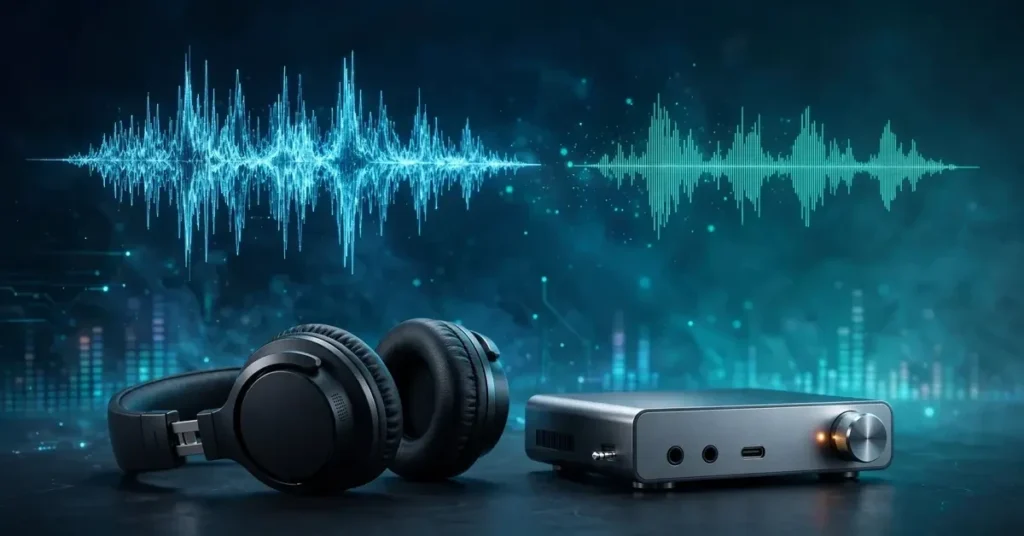
A desktop DAC/amp that decodes up to 384 kHz/24-bit and DSD256 — comfortably beyond CD-quality FLAC — with enough power (1,400 mW) to drive demanding full-size headphones. This is the kind of clean source that makes a FLAC library sound like it’s supposed to.

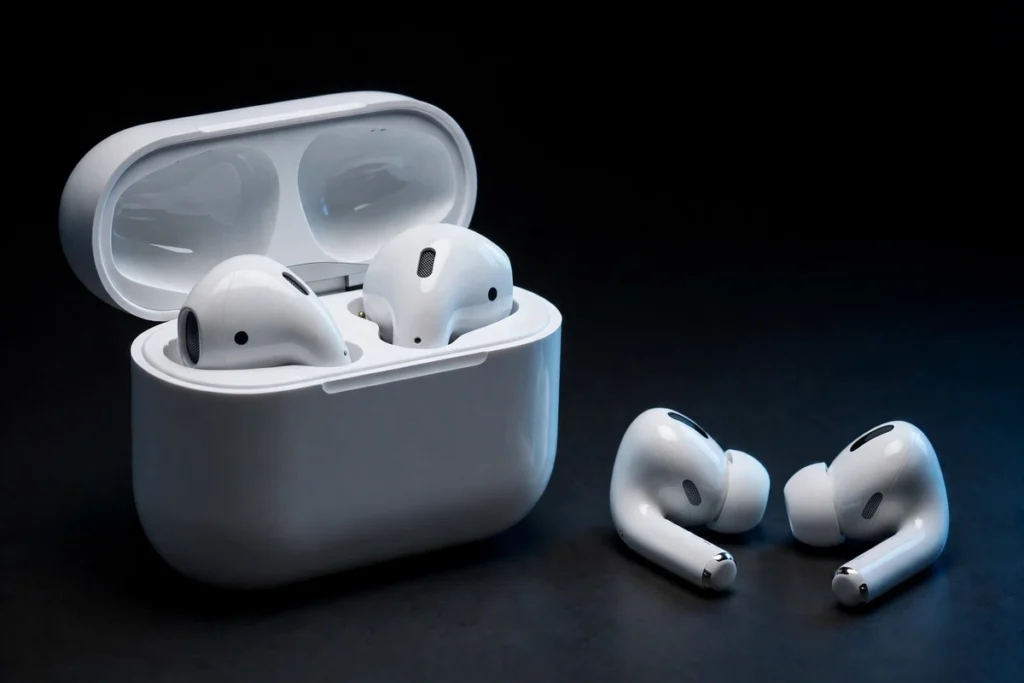
A clip-on Bluetooth DAC with LDAC support — the highest-quality wireless codec most phones offer — plus 3.5 mm and 4.4 mm balanced outputs for wired IEMs. It extracts the maximum audible quality from a phone with no headphone jack and gives your FLAC files a fighting chance on the move.
An important caveat: a DAC can’t fix a bad recording or a noisy room. Buy the source upgrade for your best listening sessions — the quiet-evening, wired-headphones kind.
The Bottom Line: Which Format Should You Use?
- Archive everything in FLAC. Storage is cheap, and a lossless master protects you from every future format decision. You can transcode FLAC to anything; you can never recover quality from an MP3.
- Use 320 kbps or V0 MP3 for portable and car listening. On Bluetooth, the wireless codec is the ceiling — FLAC gives you nothing extra there.
- Stream the lossless tier when it’s offered. On Tidal, Qobuz, Amazon Music, Apple Music, Deezer, or Spotify’s lossless tier, there’s no storage tradeoff — just turn it on.
- Match the gear to the format. FLAC earns its keep with wired headphones or good IEMs, a clean DAC, and a quiet room. MP3 is the format for everything else, and at high bitrates it’s genuinely excellent.
- Never convert MP3 to FLAC. It only inflates the file size — the discarded audio is gone forever.
Frequently Asked Questions
Is FLAC really better than MP3?
FLAC is technically superior — it’s a bit-perfect copy of the original recording, while MP3 permanently discards audio data. Whether you’ll hear it depends on your headphones, source gear, and environment. On good wired headphones in a quiet room, FLAC sounds better. On Bluetooth earbuds during a commute, high-bitrate MP3 sounds the same.
Is FLAC worth it on Bluetooth headphones?
Generally no. Bluetooth re-encodes everything into a wireless codec (SBC, AAC, aptX, or LDAC) before it reaches your headphones, and that codec — not your source file — sets the quality ceiling. Even LDAC’s maximum bitrate sits well below lossless CD quality, so FLAC won’t sound better than a 320 kbps MP3 over the same Bluetooth link.
Which streaming services offer FLAC?
Tidal, Qobuz, Amazon Music, and Deezer stream in FLAC, with hi-res tiers that exceed CD quality. Apple Music offers lossless too, but in its own ALAC format rather than FLAC. Spotify’s lossless tier streams in FLAC. YouTube Music is the major holdout, with no lossless option.
Should I convert my MP3s to FLAC?
No. Converting lossy to lossless cannot restore the audio data the MP3 encoder discarded — it just makes bigger files with the same quality. To get FLAC versions, re-rip from the original CDs or re-download from a lossless source.
What MP3 bitrate should I use?
320 kbps CBR or V0 VBR for anything you might play on decent gear — modern encoders make these settings extremely close to lossless. Avoid 128 kbps except for voice content, where MP3’s quality losses become clearly audible.
Do FLAC files drain my battery faster?
Slightly, but not meaningfully. Larger files mean more storage reads and, on some devices, slightly more decode work — but on any phone or player made in the last decade, the difference is negligible compared to the screen and wireless radios.

I am the founder of Sound Mavericks, where I provide the polite truth about audio equipment. I started this site because consumer electronics reviews are often too technical. Instead of using a silent lab, I test headphones, earbuds, and Bluetooth speakers in the real world – like on a noisy subway or in a busy coffee shop.
To stay independent, I buy my own review units (mostly from the United States) rather than accepting free gifts from brands. Once I finish testing a product, I sell it locally to our community. My goal is to help you understand sound quality, active noise cancellation (ANC), and battery life without the marketing hype.