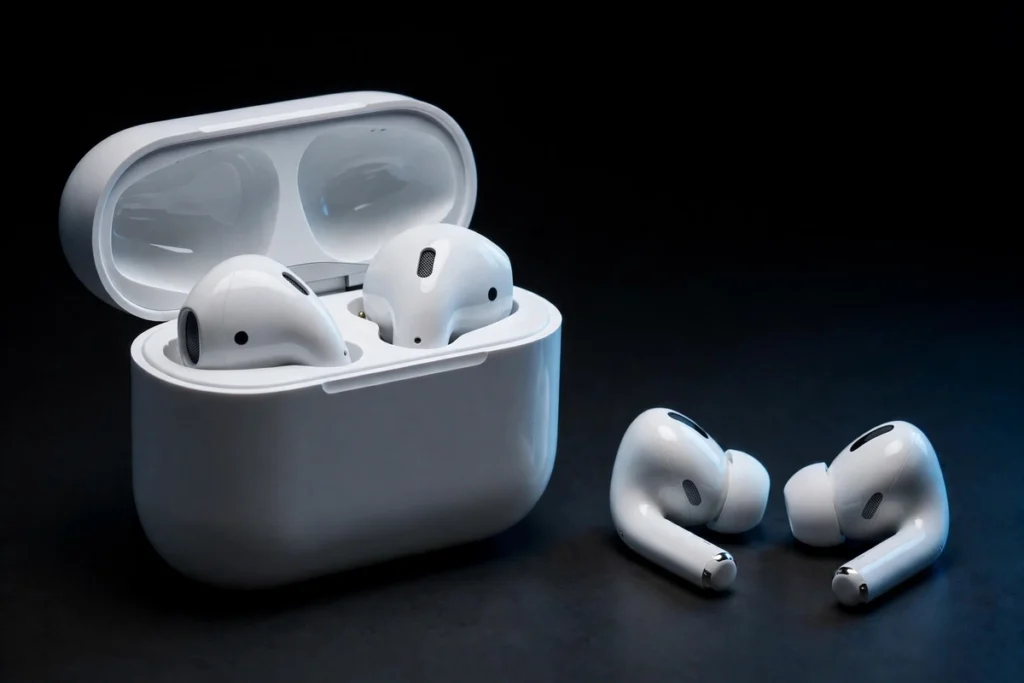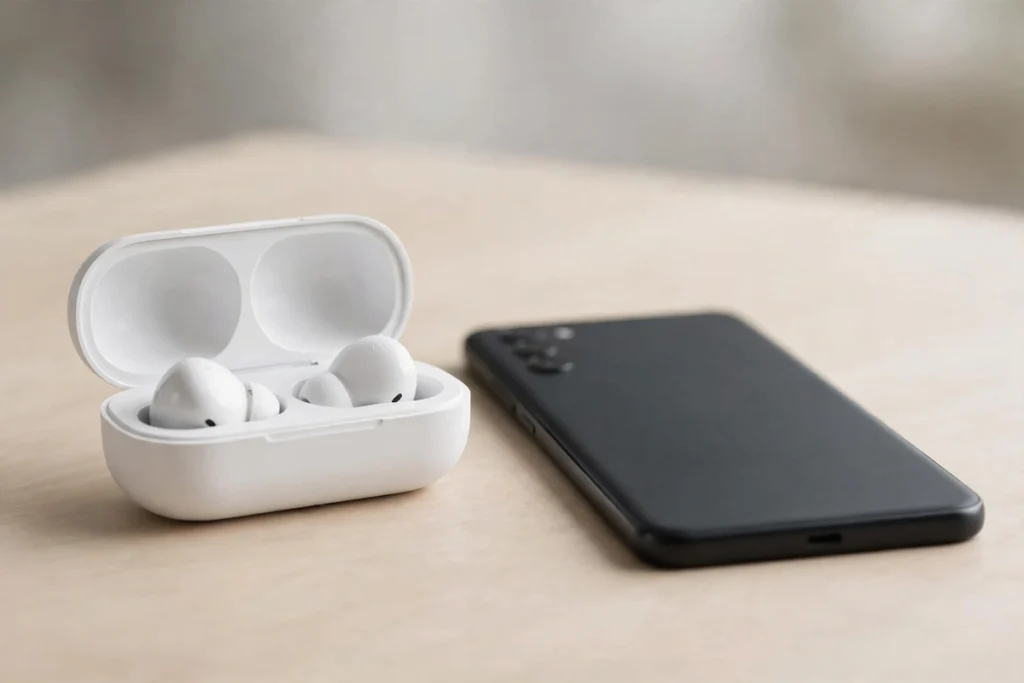
Yes. Any Bluetooth earbuds will pair with any Android phone and play music, take calls and work with their onboard controls. What changes from brand to brand is the layer on top: hi-res audio codecs, Google Fast Pair, app features, and a few extras that stay locked to the phone brand that made the earbuds. Compatibility is rarely a yes or no question. It is a question of how much of the feature list survives the pairing.
Phone brands market their earbuds as if the two products belong together, and that marketing is why “earbuds compatible with Android” gets searched at all. Bluetooth audio is a standard, not a brand feature. Every Android phone speaks it. The useful way to think about compatibility is three buckets: things that always work, things that depend on your phone, and things locked to one ecosystem.
What works on every Android phone
Pairing is universal. If the earbuds use Bluetooth, and every wireless model does, an Android phone will find them, connect and remember them. Once connected, the basics are handled by standard Bluetooth profiles, so they behave the same on a Pixel, a Galaxy or a budget Motorola:
- Music, podcasts and video audio, in stereo
- Phone calls through the earbuds’ microphones
- Play, pause and track skipping from the earbud controls
- Volume control from the earbuds on most models
- Noise cancelling and transparency modes on ANC models, switched from the earbuds themselves
- Voice assistant access, usually a long press that wakes Google Assistant or Gemini
None of that needs an app, an account or a matching phone brand. A five-year-old pair of earbuds and a brand new Android phone will still do all of it.
The three buckets at a glance
| Feature | Status on Android |
|---|---|
| Pairing, music, calls, basic controls | Works with any earbuds and any phone |
| ANC and transparency switching | Works with any phone; finer settings may need the brand app |
| Hi-res codecs (LDAC, aptX, SSC) | Depends on the phone and the earbuds sharing one |
| Google Fast Pair pop-up and battery display | Works on Android phones; earbuds must support Fast Pair |
| EQ, firmware updates, control customisation | Needs the brand’s Android app, which most brands publish |
| Samsung’s 24-bit SSC audio, AirPods ear detection, Apple Find My | Locked to Samsung phones or Apple devices respectively |
The codec decides the sound quality ceiling
A codec is the compression format used to send audio to the earbuds, and it sets the ceiling on sound quality. Both ends have to support the same codec, or the connection falls back to a basic one. This is where “compatible” stops being automatic.
SBC is the universal fallback. Every Bluetooth audio device supports it, so it is the reason everything pairs with everything. AAC sits a step above and nearly all Android phones support it, although Android handles AAC less efficiently than Apple hardware does, so results vary a little between phones.
LDAC is the common hi-res route on Android. Sony built it into Android itself from version 8.0 onward, so most Android phones can send it. The earbuds still need LDAC support of their own, which Sony models and many Chinese brands include. The Sony WF-1000XM6, for example, will take an LDAC stream from a Pixel, a Galaxy or a OnePlus alike. LDAC runs at up to 990 kbps, and Android’s default “best effort” setting may sit lower, so it is worth checking the Bluetooth settings if you care about the top rate.
aptX is Qualcomm’s family, and it is not part of stock Android. Many phones with Snapdragon chips include standard aptX; aptX Adaptive and aptX Lossless need Snapdragon Sound support in both the phone and the earbuds, which narrows the field a lot. SSC, Samsung’s codec, streams 24-bit audio to Galaxy Buds, but only from Samsung phones. LC3 and LE Audio are the newer standard, supported from Android 13, and still spreading model by model.
To see what your phone is actually using, connect the earbuds, then open Settings, About phone, and tap Build number seven times to enable Developer options. Under Developer options, the “Bluetooth audio codec” entry shows the codec on the live connection. We cover each format in depth in our Bluetooth codecs explainer.
Google Fast Pair and the Android-wide extras
Fast Pair is Google’s pairing system for Android. Open the case of a supported model near your phone, screen on, and a card slides up with the earbuds’ name and picture. One tap connects. After that, the phone shows battery levels for each bud and the case, supported models can be rung or located through Find My Device, and newer models can move audio between your phone and a Chromebook or tablet signed into the same Google account.
Sony, JBL, Soundcore, Beats and Google’s own Pixel Buds support Fast Pair, among others. Beats is a useful reminder that the lines are blurry: Apple owns Beats, yet Beats earbuds ship with Fast Pair support and a proper Android app. Earbuds without Fast Pair still pair the manual way through Bluetooth settings. It takes about thirty seconds longer and works just as well afterwards.
AirPods on Android: half the product
The AirPods Pro 3 pair with Android like any other Bluetooth earbuds, and the core experience is intact: music, calls, and noise cancelling and transparency that you switch by squeezing the stem. Sound quality is not the problem either, because AirPods use AAC, which Android phones handle fine.
The losses are in the extras Apple keeps inside its own ecosystem:
- No automatic pause when you take a bud out; ear detection does not talk to Android
- No battery pop-up on the phone (third-party apps such as MaterialPods fill this gap)
- No Siri, and no firmware updates, since updates only arrive through an iPhone, iPad or Mac
- No tracking through a Find My app, and no automatic switching between devices
- Newer Apple-only tricks, such as Live Translation on the Pro 3, need an iPhone
So AirPods on Android are working earbuds with a shorter feature list. If you already own a pair and switch to Android, keep using them. If you are buying new for an Android phone, the same money buys earbuds whose full feature list works on your phone.
Galaxy Buds on a non-Samsung phone
Samsung’s lock-in is gentler. The Galaxy Wearable app is on the Play Store and works on other brands’ Android phones, so Galaxy Buds owners with a Pixel or a OnePlus still get EQ, ANC controls, touch customisation and firmware updates.
What genuinely needs a Samsung phone is the audio ceiling and the Galaxy-to-Galaxy tricks. The 24-bit SSC codec only runs between Galaxy Buds and a Samsung phone; on anything else the same buds fall back to AAC, which still sounds good, just not at the top rate. Head-tracked 360 Audio and automatic switching between a Galaxy phone and tablet are also Samsung-side features. If you do carry a Samsung phone, our guide to the best earbuds for Samsung Galaxy phones covers the models that keep everything switched on.
Pixel Buds, Sony and the third-party brands
Google sells an Android app for Pixel Buds that works on other brands’ phones, with settings, EQ and updates included. A few Gemini-driven features follow the phone and the Assistant setup rather than the earbuds, so they vary, but nothing about basic pairing or sound is held back for Pixel phones.
Sony holds back almost nothing. Its Sound Connect app gives any Android phone the full set: EQ, ANC levels, LDAC settings and updates. The third-party brands (Soundcore, JBL, JLab, EarFun, SoundPEATS and others) go further still, because Android is their main market. Their apps are built Android-first and their feature lists read the same on a Galaxy as on a Pixel. If cross-brand freedom is the priority, these are the safest buys.
How to check a pair before you buy
- Match the codecs. Find your phone’s supported Bluetooth codecs on its spec sheet, then pick earbuds that share the best one. On Android, LDAC is the most widely shared hi-res option.
- Look for Fast Pair if you want one-tap pairing, battery readouts and easy switching between Android devices.
- Check the brand’s app exists in the Play Store and lists your model. The app is where EQ, ANC settings and firmware updates live.
- Read the feature list for brand locks. SSC, Apple ear detection, head-tracked spatial audio: note which features name a specific phone brand, and decide if you would miss them.
- Ignore version anxiety. Bluetooth 5.0 earbuds pair with a Bluetooth 5.4 phone without trouble. Newer versions add range and LE Audio features; they do not gate basic compatibility.
How to pair any earbuds with an Android phone
- Put the earbuds in their case, open the lid, and hold the case button (or follow the model’s prompt) until the light pulses. That is pairing mode.
- On Fast Pair models, tap the card that appears on your phone screen and skip the rest.
- Otherwise open Settings, then Connected devices, then “Pair new device”, and tap the earbuds’ name when it appears.
The rule to remember
If earbuds use Bluetooth, they are compatible with Android. The real choice is how much of the feature list comes with them: the codec your phone can feed them, the app behind them, and the handful of extras their maker reserves for its own phones. When you are ready to pick a model with all of that in mind, our best Bluetooth earbuds for Android guide ranks the pairs that give an Android phone the most.
Frequently Asked Questions
Will earbuds work with Android?
Yes. Any Bluetooth earbuds pair with any Android phone, and music, calls, basic controls and noise cancelling all work. Only extras such as hi-res codecs, Fast Pair and a few brand-locked features depend on the specific phone and earbuds you combine.
Are Bluetooth earbuds compatible with Android phones from any brand?
Yes. Pairing does not care about brands, so Sony earbuds work on a Samsung phone and Samsung earbuds work on a Pixel. What varies is the feature layer: Samsung’s 24-bit SSC codec needs a Samsung phone, and Apple keeps several AirPods extras inside its own ecosystem.
Do AirPods work with Android?
They do, with a shorter feature list. Music, calls, and noise cancelling and transparency on Pro models all work, and sound quality holds up because AirPods use AAC. You lose automatic pause, the battery pop-up, Siri, firmware updates and Find My tracking, since those run through Apple devices.
Do Galaxy Buds work with non-Samsung Android phones?
Yes. The Galaxy Wearable app runs on other Android phones and gives you EQ, ANC controls, touch settings and firmware updates. What you give up is the 24-bit SSC codec, which only runs with a Samsung phone, plus Galaxy-only extras such as automatic switching between Samsung devices.
How do I check which Bluetooth codec my phone is using?
Connect the earbuds, enable Developer options by tapping Build number seven times under Settings and About phone, then open Developer options and find “Bluetooth audio codec”. It shows the codec on the live connection, such as LDAC or AAC, and on many phones you can switch between the codecs both devices support.

I am the founder of Sound Mavericks, where I provide the polite truth about audio equipment. I started this site because consumer electronics reviews are often too technical. Instead of using a silent lab, I test headphones, earbuds, and Bluetooth speakers in the real world – like on a noisy subway or in a busy coffee shop.
To stay independent, I buy my own review units (mostly from the United States) rather than accepting free gifts from brands. Once I finish testing a product, I sell it locally to our community. My goal is to help you understand sound quality, active noise cancellation (ANC), and battery life without the marketing hype.